How to Optimize Your LinkedIn Profile So a Stranger Wants to Message You

Your LinkedIn profile has one job, and it is smaller than most people think. It does not need to tell your whole story. It needs to convince the right stranger, in a handful of seconds, that you are worth a message. That is it. Someone sees your comment, meets you at an event, or finds you in search, clicks through, and decides within moments whether to reach out, follow, or scroll on. Everything you do to the profile is either helping that decision or getting in the way of it.
Most profiles get in the way. They read like a resume written for a hiring manager who no longer exists, full of job titles and responsibilities and not one line that tells a buyer what you can do for them. Optimizing your LinkedIn profile is mostly the work of deleting that noise and replacing it with clarity: who you help, what changes for them, and why you are believable.
This guide walks through each part of the profile in order of impact, most important first. You do not have to do all of it today. If you only fix the headline and the first two lines of your About, you will already convert more of the attention you get. Start there, then work down. If you want a second opinion on where your profile is leaking, our LinkedIn profile analyzer reads it section by section and flags the weak spots.
TL;DR
- 🎯 The headline is the highest-leverage line you have. It follows you into feeds, comments, and search, so name your audience, the outcome, and a hint of proof, not just your job title.
- ✍️ The first two lines of your About carry the section. They show before see more, so lead with who you help and proof, then a soft invitation, not your life story.
- 📸 Photo and banner are on-message real estate. A clear, current, friendly photo plus a banner that states your offer beats a blank blue default every time.
- 🏆 Featured and experience should show proof, not duties. Pin the work that demonstrates results and rewrite roles around outcomes, not responsibilities.
- ⚡ Skills, recommendations, and a custom URL are quick credibility wins. They are low effort and they quietly signal that a real, endorsed person is behind the profile.
- 📣 The profile is a landing page, but posting brings the visitors. Optimization converts attention. Activity is what creates it. You need both.
- 🔁 This is not one and done. Revisit the headline and About whenever your offer or audience changes.
The headline: the one line that follows you everywhere
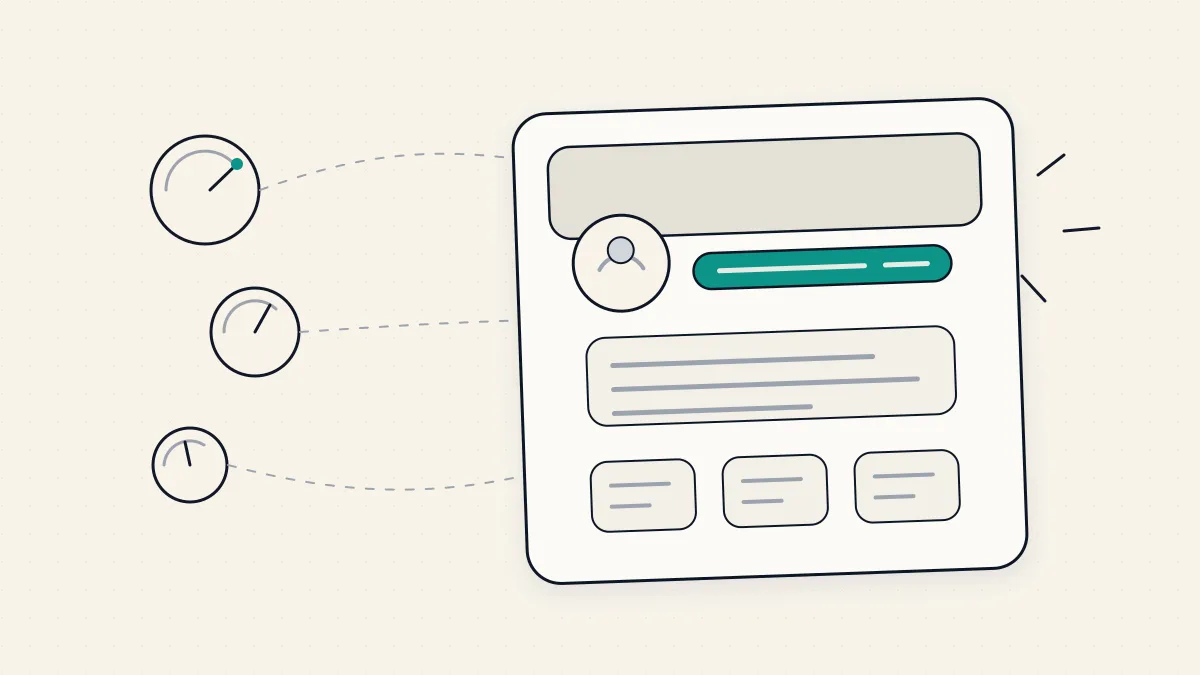
If you fix only one thing, fix your headline. It is the single most-read piece of your profile, and most people never open the profile to read anything else. Your headline rides next to your name in the feed, under every comment you leave, in search results, and on every connection request you send. People form an opinion of you from it before they decide whether you are worth a click. A headline that just says your job title spends all that reach saying nothing.
The default headline LinkedIn hands you is your current role at your current company. That is fine for an employee who wants to be found by recruiters for that exact title. It is close to useless for a consultant, founder, or freelancer trying to attract the right stranger, because a job title tells a reader what you are called, not what you can do for them.
A strong headline does three things: it names the audience you serve, the outcome you help them reach, and a hint of proof or specificity that makes it believable. You do not need all three crammed into one breathless sentence, but the more of them a reader can grab in a glance, the better the headline works. Think about the person you want to message you and write the line that would make them think this person gets my problem.
A few principles that hold up:
- Lead with them, not you. A headline built around who you help and what they get outperforms one built around your title and seniority. The reader is scanning for themselves, not for you.
- Be specific enough to be believable. A named niche, a concrete outcome, or a number you can actually stand behind reads as more credible than sweeping claims like world-class or results-driven. Vague superlatives are invisible because everyone uses them.
- Write for a human, not a keyword parser. It is fine to include the term people would search for, since the headline does feed LinkedIn search, but stuffing it with keywords separated by pipes until it reads like a spam meta tag repels the actual humans you are writing for. Clarity first, keywords woven in second.
- Cut the buzzwords. Passionate, dynamic, ninja, guru, and their cousins add length and subtract meaning. If a word does not help a stranger decide to message you, it is taking up space the headline cannot spare.
If you want a starting point rather than a blank field, our LinkedIn headline generator drafts options you can shape into your own, and LinkedIn headline examples shows the patterns that work broken down by what makes each one land. Use them as scaffolding, then rewrite until the line sounds like you and describes work you actually do. A borrowed headline that does not match your real offer converts worse than a plain one that is true.
The About section: the first two lines do the persuading
The About section, sometimes called the summary, is where you have room to make your case in full sentences. But here is the catch that changes how you should write it: LinkedIn only shows the first two or three lines before a see more cut. Most readers decide whether to expand based entirely on those opening lines. If your About starts with a slow warm-up, a mission statement, or a paragraph about your journey, you lose people before the good part.
So treat the opening like a hook, not an introduction. In those first lines, make it immediately clear who you help and what changes for them when they work with you. A reader who sees themselves and their problem in the first two lines will click see more. A reader who sees a generic wind-up will not.
Once someone expands the section, you have earned a little more of their attention, and you can use it in roughly this shape:
- Open with the reader's problem and the outcome you deliver. The same clarity as your headline, with a bit more room to breathe. Name the situation they are in and the better place you help them get to.
- Back it with proof. This is where specifics earn trust: the kind of clients you work with, the sort of results you have helped produce, the experience that makes you credible. Concrete and true beats grand and vague. Do not invent numbers to sound impressive. A real, modest proof point is worth more than an inflated one that a prospect can sense is hollow.
- Show a little of the person. People hire people. A line or two of genuine point of view, how you think about the work, or why you do it, makes you memorable in a way a list of credentials never will. This is the part a resume cannot do and your About can.
- End with a soft call to action. Tell the reader what to do next if they are interested, in a low-pressure way. Something like a simple invitation to message you about a specific kind of problem. Not a hard sell, just an open door so an interested reader knows the next step.
Write it in first person for most personal brands. It reads warmer and more human than the third-person corporate style, and warmth is an advantage when a stranger is deciding whether you are approachable.

If the blank box is what stops you, our LinkedIn About generator gives you a structured first draft to react to, and LinkedIn summary examples walks through summaries that work and why. As with the headline, treat any draft as clay, not a finished shape. The version that converts is the one that sounds like you and says something only you would say.
Profile photo and banner: clear, current, and on-message
Before anyone reads a word, they see your photo and your banner. These are visual, instant, and they set the tone for everything below. You do not need a professional shoot, but you do need to clear a low bar that a surprising number of profiles miss.
For the photo, aim for clear, current, and friendly. Your face should fill most of the frame, be well lit, and be recent enough that you would recognize yourself walking into a meeting. A warm, open expression reads as more approachable than a stiff corporate stare, and approachability is exactly what you want when a stranger is deciding whether to message you. Avoid group shots where you have to point yourself out, heavy filters, distracting backgrounds, and photos so old they are effectively someone else. The goal is simple: a reader should look at the photo and feel like they are meeting a real, present person.
The banner, the wide image behind your photo, is the most wasted space on LinkedIn. Most people leave it as the default blue gradient, which says nothing. It is free real estate sitting at the very top of your profile, and you can use it to reinforce your message the moment someone lands. A banner earns its place when it does at least one of these:
- States who you help or what you do in a short, readable line.
- Shows a clear next step or where to find you, like a simple prompt or a way to reach you.
- Signals credibility with something real, such as recognizable logos you are genuinely associated with or a clean, on-brand visual.
Keep it uncluttered and make sure any text stays readable on mobile, where your photo overlaps the lower-left of the banner and a large share of your visitors are looking. A banner that repeats and reinforces your headline gives a visitor the same message twice in the first second, which is exactly the kind of repetition that helps.
Featured and experience: show proof, not duties
By the time a reader reaches Featured and experience, they are past the first impression and into the do-I-believe-this stage. This is where you convert interest into trust, and the way you do it is by showing proof instead of listing duties.
The Featured section sits high on the profile and lets you pin specific items: posts, links, documents, media. Most people ignore it. That is a gift, because a well-chosen Featured section is one of the clearest ways to demonstrate rather than claim. Pin the things that make your case: a piece of work you are proud of, a result you can point to, a talk or article that shows your thinking, a link to how someone starts working with you. Choose a small number of strong items over a cluttered wall of everything. The first one or two get the most attention, so lead with your best proof.
For experience, the instinct most people follow is to paste in the responsibilities from each role: managed a team, oversaw a process, responsible for a function. Responsibilities describe what you were supposed to do. They do not tell a reader what changed because you were there. Rewrite each role around outcomes instead: what got better, what you built or shipped, what problem you solved and for whom. Even without hard numbers, an outcome-shaped line reads as evidence, while a duty-shaped line reads as a job description anyone with the title could have written.
A useful test for each entry: could a stranger read this and understand what you are actually good at, or only what your title was. If it is only the title, rewrite it toward the result. You are not filling out an HR form. You are giving a prospective client or partner reasons to believe you can help them.
Skills, recommendations, and your custom URL: quick credibility wins
Some of the highest return-on-effort moves on LinkedIn take minutes and quietly raise how credible you look. These are the details that signal a real, endorsed, cared-for profile rather than a placeholder.
Skills. Keep your skills relevant and current, and lead with the ones that match the work you actually want. Skills feed LinkedIn search and give visitors a fast read on your areas, but a long list of stale or scattershot skills dilutes the signal. Prune the ones that no longer fit your direction and make sure your most important, want-to-be-found-for skills sit near the top. Endorsements on those skills add a light layer of social proof, so it is worth having a few of the right ones.
Recommendations. A genuine recommendation from someone who has worked with you is some of the most persuasive content on your entire profile, because it is proof in another person's voice rather than your own claim. They are underused because asking feels awkward, but a specific, honest recommendation from a real client or colleague carries more weight than anything you can say about yourself. When you ask, it helps to nudge the person toward the specific outcome or trait you would love them to speak to, so the recommendation lands concretely instead of generically. A handful of strong, specific recommendations beats a pile of vague nice-to-work-with ones.
Custom URL. By default your profile URL is a mess of numbers. LinkedIn lets you claim a clean, custom version with your name, and it takes about a minute. A tidy URL looks more professional wherever you paste it, in an email signature, on a business card, in a proposal, and it is a small tell that you take the profile seriously. There is no reason to leave the default.
None of these will transform your profile on their own. Together they are the difference between a profile that looks maintained by a real professional and one that looks abandoned, and that impression matters more than any single element.
Activity: the profile is a landing page, but posting brings the visitors
Here is the honest limit of everything above. An optimized profile is a landing page, and a landing page with no traffic converts nobody. You can perfect every section and still hear crickets if no one has a reason to visit. Optimization decides what happens when someone arrives. Activity decides whether anyone arrives at all.
Your Activity section shows your recent posts and comments, and it does two jobs. First, it proves you are present and engaged rather than a dormant profile someone set up years ago and forgot. A visitor who sees recent, thoughtful activity reads you as active and reachable. A visitor who sees nothing since a while ago wonders if you are even paying attention to the platform. Second, and more important, posting and commenting are what actually bring the right strangers to your profile in the first place. Every time you publish something useful or leave a sharp comment on a post your buyers read, your name and headline appear in front of people, and some of them click through to the profile you just optimized.
That is the loop that makes profile optimization pay off. You post or comment, the right person sees your headline, they click through, and the profile you tuned converts that click into a message or a follow. Skip the posting and the tuned profile just sits there waiting. Skip the tuning and the posting sends people to a page that fails to close them. The two halves need each other.
You do not need to become a daily creator to benefit. A steady, sustainable cadence of useful posts and genuine comments does more than a burst of activity followed by silence. Consistency is what keeps your name circulating and your profile getting visits. If you want to think about this as a system rather than a scramble, our guide to LinkedIn personal branding covers how the profile and the posting fit together into a presence people remember.
Putting it together, in order
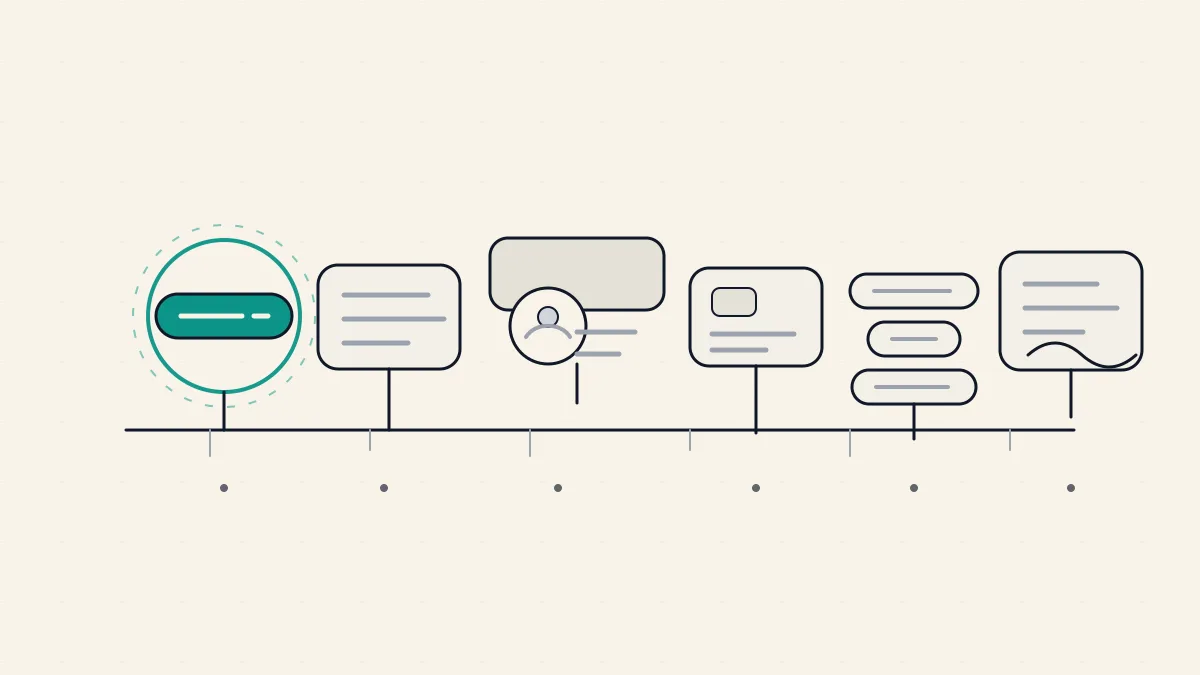
If the full list feels like a lot, remember the priority order, because it is also the order of impact. The headline moves the most, since more people read it than read anything else. The first two lines of your About come next, because they decide whether anyone reads the rest. Then the photo and banner, which set the tone before a word is read. Then Featured and experience, where interest turns into belief. Then the quick credibility wins of skills, recommendations, and a custom URL. And running underneath all of it, the activity that brings people to the page in the first place.
You do not have to do it all at once, and you should not treat it as finished when you do. Your offer shifts, your audience narrows, your best proof changes. The profile that convinced the right stranger last year may be a half-step off today. Revisit the headline and About in particular whenever something about your work changes, and let the rest follow.
If you would rather not guess at where your profile is losing people, our LinkedIn profile analyzer reads it against these same principles, section by section, and points to the specific lines worth fixing first. It is our tool, so treat its suggestions as a starting point you shape rather than a verdict, but it is a fast way to see your profile the way a skimming stranger does, which is the only view that really matters.
Your profile should make the right stranger curious, fast. WriteHero helps you audit the profile, draft a sharper headline and About section, then keep posting in a voice that still sounds like you. 7-day free trial, no credit card. Start free →
Related reading
- LinkedIn profile analyzer, our tool that reads your profile section by section and flags the weak spots.
- LinkedIn headline generator, for drafting headline options to shape into your own.
- LinkedIn About generator, for a structured first draft of your summary.
- LinkedIn headline examples, patterns that work broken down by why they land.
- LinkedIn summary examples, About sections that convert and what makes them work.
- LinkedIn personal branding, how the profile and the posting fit into one presence people remember.
- LinkedIn profile picture, the size specs and simple rules for a photo that makes you recognizable.
Frequently asked questions
How do I optimize my LinkedIn profile?
Work top to bottom in order of impact. Start with the headline, since it follows you everywhere and names who you help and the outcome you deliver. Then rewrite the first two lines of your About so they land before the see more cut. Refresh your photo and banner, turn your Featured and experience into proof rather than duties, and tidy your skills, recommendations, and custom URL. Finally, post now and then so people have a reason to land on the profile at all.
What is the most important part of a LinkedIn profile?
Your headline, because it appears next to your name in feeds, comments, search results, and connection requests, so most people read it before they ever open your profile. A vague job-title headline wastes that reach. A headline that names your audience, the outcome you help them reach, and a hint of proof does the persuading before anyone clicks.
How long does it take to optimize a LinkedIn profile?
You can fix the parts that matter most, the headline and the first two lines of your About, in an afternoon. A fuller pass across the photo, banner, Featured, experience, skills, and recommendations is more like a weekend of focused work spread over a week. It is not one and done. Revisit the headline and About whenever your offer or audience shifts.
Does optimizing your LinkedIn profile actually help you get noticed?
Yes, but be clear about what it changes. An optimized profile does not summon traffic on its own. It converts the attention you already get, from people who see your comments, meet you, or find you in search, into messages and follows. Optimization makes each visit count. Posting is what brings the visits. You need both.
Should I write my LinkedIn profile in the first or third person?
First person reads warmer and more human, which suits a personal brand, so most solo professionals write their About as if they are speaking to the reader. Third person can feel more formal and is fine in corporate contexts, but for a consultant, founder, or freelancer trying to sound approachable, first person usually converts better. Pick one and stay consistent across the whole profile.
More in Profile
View all
ProfileJuly 4, 2026LinkedIn Profile Picture: A Practical Guide for People Who Post Under Their Own Name
Your LinkedIn profile picture is the first thing people judge before they read a word you wrote. Here is how to get it right without a studio.
Read more
ProfileJuly 3, 2026Who Viewed My LinkedIn Profile? How to Check It, What You Can Actually See, and Why It Matters Less Than You Think
A plain guide to the who viewed my LinkedIn profile feature: where to find it, what you can honestly see on free versus Premium, why LinkedIn shows it at all, and why being worth viewing beats watching the list.
Read more
ProfileJuly 3, 2026LinkedIn Summary Examples: 9 About Sections That Sound Human
A good LinkedIn About section is not a resume in paragraph form. Here are 9 illustrative LinkedIn summary examples by role, the four-part structure behind each, and why the first two lines carry the whole thing.
Read more
See your first post, in your voice
Paste your LinkedIn profile and WriteHero drafts a post that sounds like you. See it before you sign up, no login needed.