What Are LinkedIn Impressions? Meaning, Views and Reach


LinkedIn impressions estimate how many times your post was displayed on screen. They are not unique readers, complete reads or profile visits. The same member can contribute repeat displays; members reached is the distinct-audience metric. Open a post's analytics to see which metric you are comparing.
Platform definitions checked on October 3, 2026. This guide concerns member content, not Campaign Manager advertising metrics. LinkedIn's combined analytics documentation explicitly describes impressions as an estimate.
If your goal is a relevant conversation, record that separately. A smaller display count can accompany useful responses, and a large count can accompany none. Neither establishes the quality of a post on its own.
Impressions vs views vs reach vs engagement: what is the difference?
People use these words interchangeably, which is where a lot of confusion starts. The impressions vs views LinkedIn question comes up constantly, and the two are related but not identical. Here is a plain breakdown of the four metrics you will run into.
On a narrow screen, scroll sideways to read every column.
| Metric | What it counts | What it tells you | Watch out for |
|---|---|---|---|
| Impressions | Times your content appeared on a screen | How widely it was distributed | One person can generate several; it is not unique people |
| Video views | At least two continuous seconds watched, including replays | Playback activity | Not a full watch, and not interchangeable with article views |
| Members reached | Distinct members and pages that viewed the post | Deduplicated audience | Does not identify every viewer or prove they read the text |
| Engagements | Reactions, comments, saves, sends and reposts in combined analytics | Recorded actions | Use the definition in that report; do not silently add a different set of clicks |
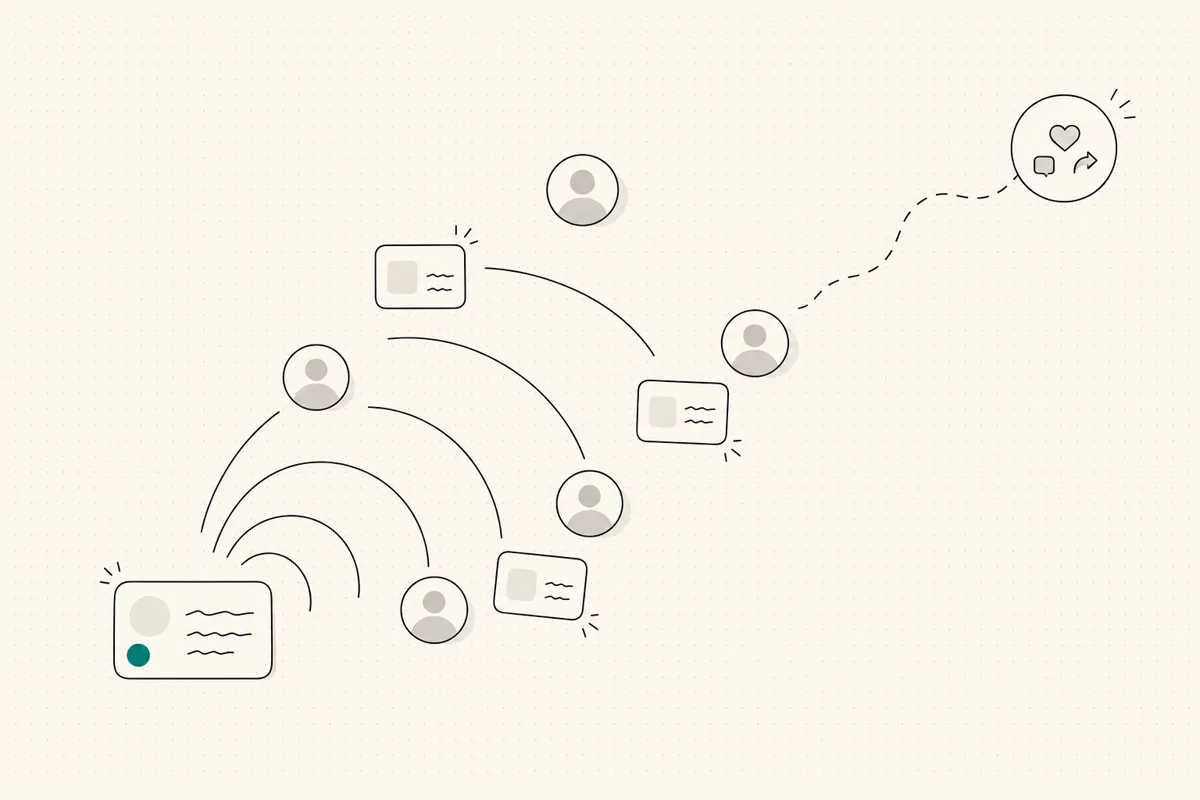
Read the individual post metric definitions when comparing video, article and text content. A recorded view is not proof of attention to your whole message. The useful business signal is whether relevant people ask a question, visit your work or start a conversation.
Worked example: impressions are not 1,200 people
Suppose a post reports 1,200 impressions, 800 members reached and 24 reactions, comments and reposts. These are illustrative numbers, not a WriteHero case study. The ratio 1,200 ÷ 800 = 1.5 describes average displays per reached member/page in that example; it does not tell you exactly who returned. An engagement calculation using those three actions is 24 ÷ 1,200 × 100 = 2%. A different report including saves and sends has a different numerator.
Use the engagement-rate calculator with a clearly stated formula rather than comparing two unlabeled percentages.
How do you see impressions on your LinkedIn posts?
You do not need a paid tool to see your impressions. On any post you publish, look just below it for the small analytics line, often shown as a count of impressions or views. Tap or click it and LinkedIn opens a breakdown for that post.
On desktop, open Me → Posts & Activity, select your content type and open the impression count or analytics link below your post. In the mobile app, open your profile, use Activity to show your posts and tap that post's analytics. The official access instructions distinguish those layouts. You can see your own content analytics, not another author's private report.
For a portfolio comparison, use Analytics & tools and keep the selected date range and metric unchanged. Combined daily data is complete through yesterday; a partial current day is not a fair comparison with a full day.
That audience breakdown is the part most people ignore and the part that matters most. Seeing a high impression count is neutral. Seeing that a healthy share of those impressions came from the seniority, industry, or roles you actually sell to is the useful read. When you review a post, spend less time on the size of the number and more on whether the people behind it are the ones you want remembering your name.
What is a good number of LinkedIn impressions?
There is no universal target. Compare with your own similar posts: keep format, goal, visibility and elapsed time comparable, and note major differences in audience or topic. Look at the range rather than selecting one unusually high post as the baseline. Pair displays with the relevant responses for your goal; a comparison is a diagnostic clue, not proof of what caused the difference.
How to increase LinkedIn impressions honestly
Avoid engagement pods, comment-for-comment exchanges and reposting someone else's claims as your own. Artificial engagement does not tell you whether the intended audience values the work. Use the following practices to make posts clearer and comparisons more useful, without promising an increase in reach.
Make the opening understandable before expansion. State a real problem, observation or decision in the first line. The see-more break varies by screen, layout and content; 210 characters is not a fixed platform threshold. Use the post preview as an approximation and verify in LinkedIn itself.
Choose a cadence you can sustain. Consistency gives you more comparable observations, not a guaranteed algorithm bonus. Leave time to check facts and respond to substantive questions. The posting-time guide explains how to test windows without confusing time with topic quality.
Write in your own voice, not generic output. Use a specific observation or experience that you can defend. Comments are one recorded action, not a guaranteed distribution trigger. Our LinkedIn post generator gives you a first draft to shape, not a script to publish blind. For writing decisions, see how to write a LinkedIn post; for choosing a topic, see LinkedIn post ideas.
These are writing and measurement practices, not reach guarantees. Keep the topic useful to the reader you want rather than optimizing for an impression counter alone.
Why are impressions low or missing?
Before rewriting every post, check four things:
- Visibility. A restricted audience is not comparable with public distribution. Check the audience chosen at publication.
- Age and reporting window. Compare posts after the same elapsed time; do not compare a fresh post with one that has circulated for a week.
- Metric and format. A video-play count, members reached and impressions answer different questions.
- Topic and audience fit. A highly specific topic can have fewer displays and still attract more relevant conversations.
If analytics are unavailable, consult the current help for that content type and visibility setting. Low numbers alone do not establish a shadow ban, and buying engagement will not diagnose the problem.
What do impressions on LinkedIn comments mean?
Treat a comment's impressions as its displays, not as additional unique people to add to a post total. A counterexample, useful question or relevant experience can contribute to a discussion, but the counter alone does not prove attention or a new audience. Assess the actual conversation and do not automate empty replies to inflate activity.
How should you use impressions without chasing vanity metrics?
Use a review log with publication date, topic, format, audience setting, observation age, impressions, members reached and the response that matters to your goal. Keep the report and engagement formula consistent. If you also review profile visitors, record that as a separate metric with its privacy limits; a post display is not a profile visit or proof of a lead.
If you want a deeper look at the tooling side of this, our roundup of the best AI tools for LinkedIn posts covers what actually helps versus what just adds noise.
Related reading
- How to write a LinkedIn post
- Who viewed my LinkedIn profile, the other visibility metric people obsess over, and what it actually tells you.
- LinkedIn Social Selling Index (SSI), the 0 to 100 score LinkedIn gives your presence, and how content moves it.
- How the LinkedIn algorithm works, what actually decides how far a post travels, minus the myths.
- Best Shield alternatives for LinkedIn analytics, if you want to track impressions in a dedicated analytics tool.
- LinkedIn post ideas
- Best AI tools for LinkedIn posts
- LinkedIn post preview tool
- LinkedIn post generator
- LinkedIn character counter
Choose your next step
Frequently asked questions
What are impressions on LinkedIn?
LinkedIn impressions estimate on-screen displays of your content. Repeat displays can count again. They are not unique readers, full reads or buying intent; compare them with members reached and the actions defined in the same analytics report.
What is the difference between impressions and views on LinkedIn?
Impressions estimate on-screen displays. Views is not one universal metric: video views count at least two continuous seconds, including replays, while article views use a separate definition. Members reached deduplicates members and pages. None proves a full read or a buying intention.
What is a good number of impressions on LinkedIn?
There is no universal good number, because it depends on your network size, how well your audience fits your topic, and the goal of the post. A smaller post seen by the right buyers can be worth more than a large post seen by no one relevant. Judge impressions against your own recent posts and against whether the right people engaged.
How do I increase my LinkedIn impressions?
Check your audience setting and analytics first, then test a specific topic, a clear opening and a sustainable cadence. Compare similar posts after the same elapsed time. Better writing or early engagement does not guarantee a distribution increase; do not use pods or fabricated proof.
What do impressions on a LinkedIn comment mean?
They describe displays of a comment, not unique readers or a full read. Keep them separate from the original post's impressions and assess actual relevant replies instead of assuming a display produces a new contact.
Related guides
Browse Growth GrowthJuly 3, 2026
LinkedIn Content Strategy: A Planning and Review System
A manageable content strategy for consultants and founders: define the audience, choose substantiated topics, verify publication and review relevant responses.
Read more WritingOctober 3, 2026
How to Schedule LinkedIn Posts and Find Scheduled Posts
A practical guide to LinkedIn's native scheduler, including where scheduled posts live, how to edit them, and what to check when the clock or a post is missing.
Read more GrowthJuly 4, 2026
Best Time to Post on LinkedIn: Find Your Audience's Window
Use timing studies as starting hypotheses, not a schedule to obey. Pick two windows in your audience's timezone, compare similar posts at the same age, and keep the slot that supports your goal.
Read more
See your first post, in your voice
Paste your LinkedIn profile and WriteHero drafts a post that sounds like you. See it before you sign up, no login needed. Create an account later to save the draft.