LinkedIn Post Ideas: 10 Frameworks from Your Actual Work

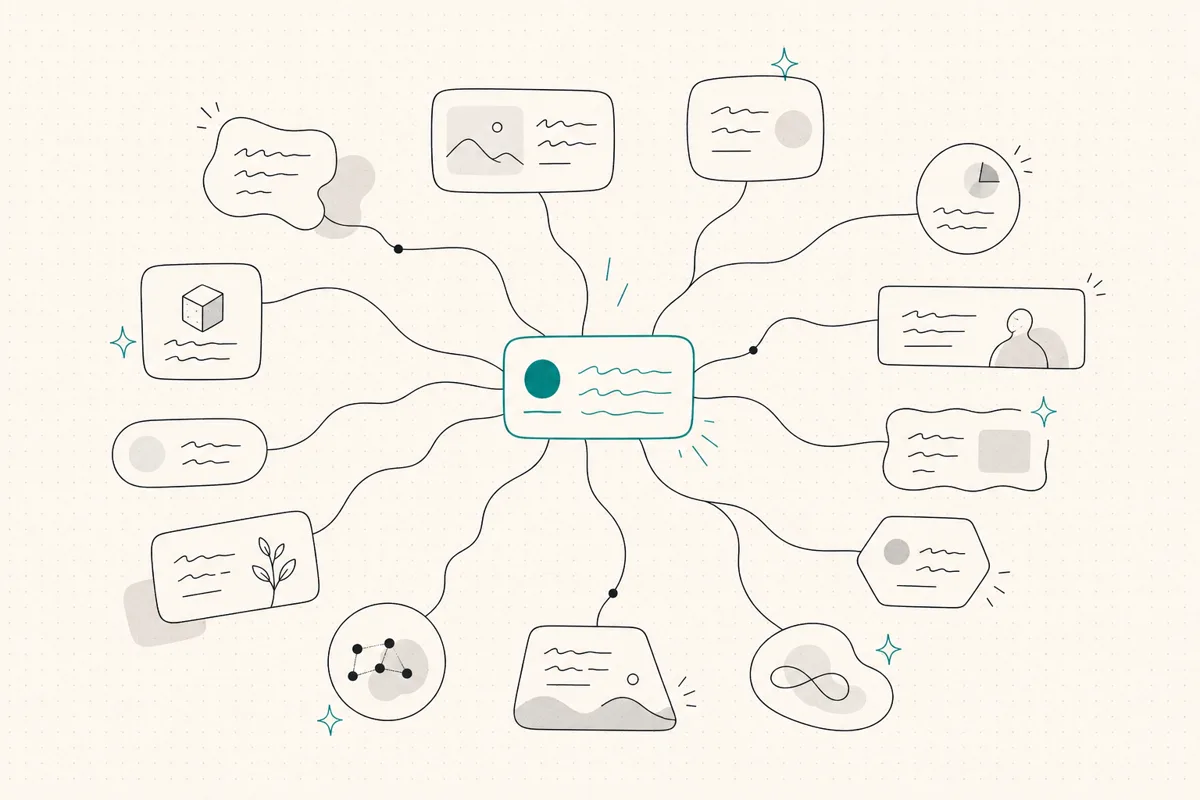
Choose a LinkedIn post idea from a real question, project or decision you can explain and are allowed to publish. These ten frameworks help turn that material into a draft; they do not supply missing evidence or guarantee reach.
So this is not a list of fifty prompts to copy. It is ten frameworks for LinkedIn post ideas, each tied to work only you have done, each with a concrete way to start, and each written so the draft still sounds like you. Once you choose the idea, use how to write a LinkedIn post for the hook, body, and takeaway, then pull a starting shape from the LinkedIn post templates library. If you are a consultant using posts to create trust and pipeline, the broader LinkedIn for consultants guide shows how these ideas fit the whole system. If you want the category-level buying guide for tools, we cover that in the best AI tools for LinkedIn posts roundup.
TL;DR
- 🧠 Start with a real observation. If you have no usable evidence yet, collect it rather than inventing an anecdote.
- 🎯 Write from experience only you have. A contrarian take, a client story, an expensive lesson: these carry proof no competitor can copy.
- 📓 Capture moments during the week. Client questions, mistakes, feed opinions you disagree with. The idea is already there when you sit down.
- 🗂️ Match the framework to your goal. Trust, reach, or leads each call for a different type of post.
- 🧾 Specific beats clever. A real number, a real project, a real correction lands harder than a polished generality.
- ✍️ Keep the voice yours. A framework is a starting shape, not a script; the draft should read like your writing, not a template.
- 🔁 Leave time to review. Choose a manageable workload; frequency alone does not establish better performance.
Why generic LinkedIn post ideas fall flat
Search "LinkedIn content ideas" and you get the same list everywhere: share a quote, post a poll, celebrate a milestone, ask a question. None of it is wrong. All of it is interchangeable. If a competitor could publish the exact same post without changing a word, the idea is not doing any work for you.
You post under your own name because your audience wants your point of view. A fractional CMO's read on a botched rebrand, a career coach's honest take on why a client's search stalled, a founder's numbers from a launch that underperformed: those are the posts that make someone stop scrolling and remember who you are. The frameworks below all point at the same thing, which is content only you can write.
Check the draft against your own writing. A broad prompt can leave out the detail that makes the idea useful, but you need to inspect the actual output rather than assume all AI tools produce the same style.
What LinkedIn post ideas actually work for solo consultants and founders?
Before the frameworks, one filter. Every good post does one of three jobs:
- Build trust. Show judgment, taste, or hard-won experience so the right person thinks "this one gets it."
- Earn reach. Say something people want to react to or pass along, so it travels past your existing network.
- Move toward leads. Make it obvious what you do and who you help, without turning the post into an ad.
Name the job before you write. A trust post and a reach post are shaped differently, and trying to do all three at once usually does none. Here is how the ten frameworks map to those jobs.
On a narrow screen, scroll sideways to read every column.
| Post idea framework | Primary job | Start from |
|---|---|---|
| Contrarian take | Reach + trust | A common belief in your field you think is wrong |
| Client story (anonymized) | Trust + leads | A specific project moment and its outcome |
| Expensive lesson | Trust | A mistake that cost you time, money, or a client |
| Myth-busting | Reach | A claim you keep correcting for clients |
| Behind-the-scenes | Trust | How you actually run part of your work |
| Framework you use | Trust + leads | A repeatable method clients pay you for |
| Honest result | Trust + leads | A real number you can describe without spin |
| Changed my mind | Trust | A belief you have revised and why |
| Question from a client | Reach | A real question someone asked you this month |
| Definition or reframe | Reach + trust | A term in your category people use loosely |
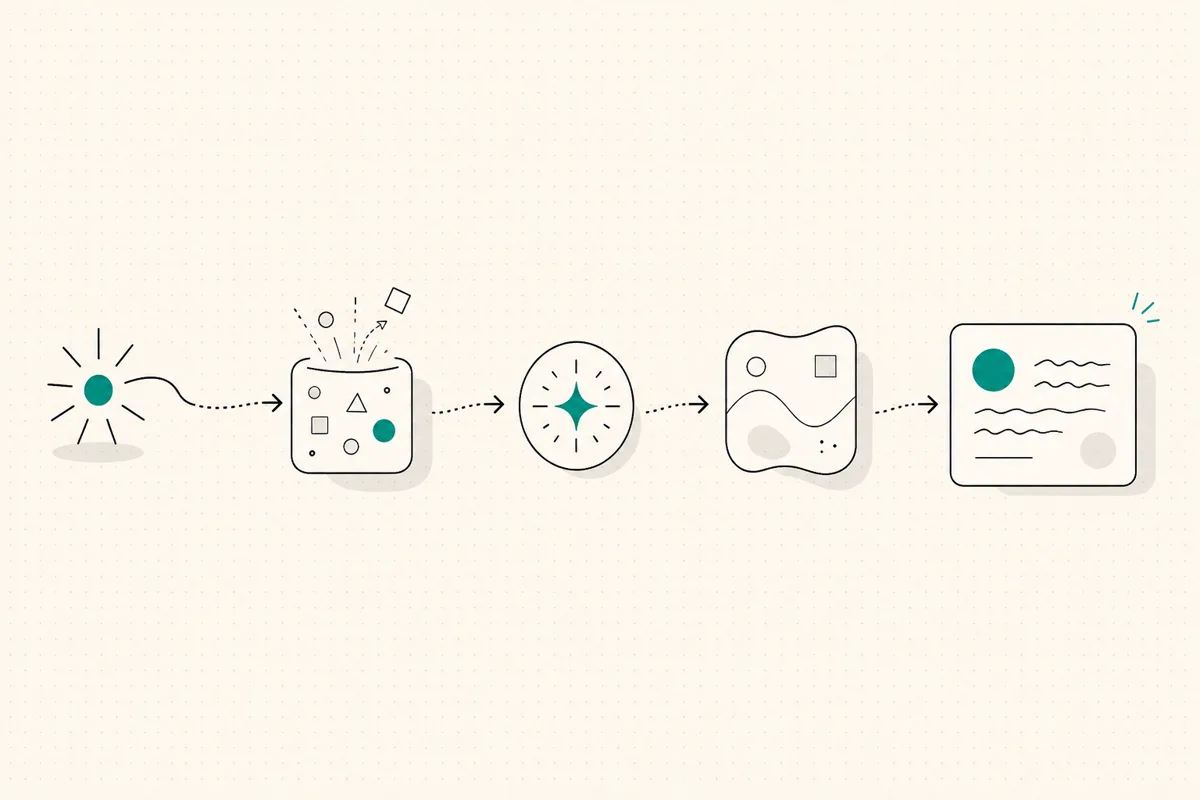
The 10 LinkedIn post idea frameworks
1. The contrarian take
Pick a belief that is treated as settled in your field and argue the other side from experience, not for the sake of being difficult. The key is that you have actually lived the counter-position.
Start from: "Everyone says X. In practice, I have found the opposite."
Prompt to draft it: "Write a LinkedIn post arguing that [common belief in my field] is wrong. Open with the belief stated plainly, then give the specific reason my experience contradicts it, then one concrete example from my work."
Keep it yours: a contrarian post fails when it reads as a hot take with no receipts. Ground it in the specific client, project, or result that changed your mind. That grounding is also what a generic AI draft strips out, so watch for it.
2. The client story, anonymized
Client work can provide a situation, decision and outcome to explain. Anonymizing a name does not automatically make a story safe to disclose: check the agreement, remove identifying details and obtain permission when needed. If you cannot share the work, choose another framework.
Start from: a single project where something changed because of your work.
Prompt to draft it: "Turn this into a short LinkedIn post: a client came to me with [problem], we did [specific thing], and the result was [honest outcome]. Keep it anonymous, no company names, focus on the decision that mattered."
Keep it yours: describe the messy middle, not just the tidy win. Real stories have a moment of doubt or a wrong turn. That texture is what separates a memorable post from a case-study blurb.
3. The expensive lesson
A mistake you paid for is one of the most credible things you can post. It shows judgment precisely because you are willing to name where yours failed once.
Start from: something that cost you a client, a month, or real money, and what you changed afterward.
Prompt to draft it: "Write a post about a mistake that cost me [what it cost]. Structure: what I did, what it cost, the specific thing I do differently now. No false modesty, no humblebrag."
Keep it yours: be honest about the cost. Softening it into a minor stumble kills the whole effect. The point is the reader trusts you more because you did not hide it.
4. The myth-busting post
If you find yourself correcting the same wrong assumption for client after client, that correction is a post. These travel well because a lot of people hold the myth, and your correction gives them a small, useful jolt.
Start from: a claim in your category you are tired of untangling.
Prompt to draft it: "Write a LinkedIn post that busts this myth: [the myth]. State the myth, explain why people believe it, then the reality with one concrete reason it matters."
Keep it yours: the credibility comes from the fact that you keep seeing this in real engagements. Say so. "I have had this conversation with four clients this quarter" beats an abstract correction.
5. The behind-the-scenes post
Show how you actually work. Not a polished process diagram, the real version: how you scope a project, how you say no, the checklist you run before a launch. This is strong B2B LinkedIn content because it makes your expertise concrete and hard to fake.
Start from: one specific part of your workflow you could describe in detail.
Prompt to draft it: "Write a behind-the-scenes LinkedIn post about how I actually do [part of my work]. Walk through the real steps, including the unglamorous ones, in my normal voice."
Keep it yours: the small, specific details are the whole value. The exact question you ask in a kickoff call, the one thing you always check. Generic drafts smooth these away, so add them back.
6. The framework you actually use
If clients pay you for a repeatable method, that method is content. Name it, break it into steps, and give one example. You are not giving away the value; you are proving you have a system, which is what makes people want to hire you.
Start from: a process you run often enough to have named in your own head.
Prompt to draft it: "Write a LinkedIn post laying out my framework for [outcome]. Give it a simple name, list the steps, and add one short example of it in action."
Keep it yours: the framework should sound like how you talk, not like a management book. If you would never say "synergize," do not let a draft put it in your mouth.
Your posts should sound like your kickoff call, not a press release. WriteHero learns your voice from your real LinkedIn posts, then drafts in it, so a framework post still reads like you wrote it. 14-day free trial, no card. Start free →
7. The honest result
A specific number, described without spin, is more persuasive than any adjective. "We cut onboarding from three weeks to five days" says more than "delivered transformative results." The honesty is the differentiator, since most of the feed is inflated.
Start from: one real, defensible metric from your work.
Prompt to draft it: "Write a short LinkedIn post about a real result: [the metric], for [type of client], by doing [the specific thing]. No hype, just the number and how it happened."
Keep it yours: include the caveat. What made it work, or where it would not apply. Naming the limit makes the number believable.
8. The "changed my mind" post
Publicly revising a belief is a quiet flex of intellectual honesty. It reads as confidence, not weakness, because only people who are secure in their expertise are comfortable saying they were wrong.
Start from: something you used to believe and no longer do, and what changed it.
Prompt to draft it: "Write a post about a professional belief I have changed. Structure: what I used to think, the specific thing that changed my mind, what I think now."
Keep it yours: the turning point has to be real and specific. A vague "I have grown a lot" is not a post. A particular project or conversation that flipped your view is.
9. The question a client actually asked
Real questions from real clients are a bottomless well of LinkedIn content ideas, because if one client asked it, a hundred people in your audience are wondering the same thing. Answer it in public.
Start from: a good question someone asked you this month.
Prompt to draft it: "A client asked me this: [question]. Write a LinkedIn post that answers it clearly, in my voice, as if I were explaining it to them directly."
Keep it yours: keep the conversational tone of an actual answer. This is a spoken explanation, not an essay. Short sentences, direct address, the way you would really say it.
10. The definition or reframe
Take a term everyone in your category uses loosely and define it the way you mean it. Reframing a common word gives people language they did not have, and language is sticky. They remember who gave it to them.
Start from: a word or phrase in your field that gets used carelessly.
Prompt to draft it: "Write a LinkedIn post that redefines [term] the way I actually use it with clients. Contrast the loose common meaning with the sharper one, and why the difference matters."
Keep it yours: the reframe should reflect a genuine conviction you hold, not a clever wordplay. If it is real, people will feel it.
How do you keep every LinkedIn post idea sounding like you?
A framework gives you a sequence, not the evidence or phrasing. Before keeping a draft, compare it with your actual writing and remove any anecdote, quote or result that did not happen. A generator's style and editing cost are things to check, not known properties of every tool.
Two ways to keep the voice yours:
- Write the first line yourself. The opening sets the cadence for the whole post. If you write the hook in your own words, everything after it has to match.
- Check a generated draft against real samples. WriteHero's paid product uses a profile built from existing posts; the free tool drafts from your entered brief. Measure the edits and time you need rather than assuming either approach will save a particular amount.
Use the LinkedIn post-generator checklist to compare factual integrity, voice and editing effort with the same brief.
What tools help you turn ideas into finished posts?
Ideas get you started. A few small tools handle the parts between idea and published post:
- The opening. Write several first lines that state the real point, using the post-writing method. The free post generator can provide a draft to review; a profile-headline generator does not produce post hooks.
- The formatting. LinkedIn strips most formatting, so bold text, line breaks, and readable spacing take a workaround. The LinkedIn text formatter handles that in the browser, free.
- The preview. Inspect paragraph breaks with the LinkedIn post preview, then check the actual LinkedIn composer. The expandable break varies by layout; this tool is an approximation.
None of these write the post for you. They remove the small frictions between having an idea and shipping it, which is usually where good ideas quietly die in a drafts folder.
Related reading
- LinkedIn post generator, compare draft integrity, voice and editing time.
- LinkedIn personal branding, the umbrella guide for how consistent posting builds your brand.
- How to write a LinkedIn post, for turning the idea into a hook, body, and takeaway.
- LinkedIn post templates, for starting shapes once you know the idea.
- LinkedIn post examples, copy-paste examples for new job, promotion, and other occasions.
- Best AI tools for LinkedIn posts, the full buyer's guide by bottleneck.
- What are impressions on LinkedIn?, for what reach actually means once your ideas are live.
- Taplio alternative, if you are weighing a broad creator suite against a voice-first tool.
- LinkedIn post generator, a brief-based first draft to check and edit.
- LinkedIn text formatter, for bold text and clean line breaks that survive LinkedIn.
- LinkedIn post preview, for checking the mobile "see more" cutoff before you publish.
Choose your next step
Frequently asked questions
What should I post on LinkedIn?
Post about work only you have done: a contrarian take you have earned, an anonymized client story, an expensive lesson, a framework you actually use, or an honest result. If you are not sure what to post on LinkedIn, start from a specific recent moment rather than a general topic, then map it to one of the frameworks below. That is what keeps a post from sounding like everyone else's.
What are good LinkedIn post ideas for consultants and founders?
Start with a real question, decision, mistake, method or result you can substantiate and are permitted to share. Choose the framework that fits the reader's task. A specific anecdote is useful material, not proof that the post will outperform generic advice.
How do I come up with LinkedIn post ideas when I feel stuck?
Do not start from the blank editor. Start from a recent moment: a question a client asked, a mistake you fixed, a claim in your feed you disagree with, a result you can describe honestly. Each of those maps to a post framework. Keep a running note of these moments during the week so the idea is already there when you sit down to write.
How often should I post on LinkedIn?
Choose a cadence that leaves time for checking facts, permission and relevant replies. One to three posts a week is a workload starting point, not a proven optimum or a claim to outperform daily posting. Reduce the cadence if it makes review rushed.
What are the best B2B LinkedIn content ideas?
B2B content ideas that work tend to teach or take a position: a framework your clients pay for, a lesson from a project that went sideways, a myth in your category you keep correcting, or a specific result described honestly. Avoid vague thought-leadership. The more concrete and grounded in your own work, the more it reads as expertise rather than filler.
Should I use AI to write LinkedIn posts?
You can use AI for a starting draft, then check the evidence, phrasing and editing time. A history-based voice profile and a brief-based generator have different inputs; neither guarantees a better draft or fewer edits. The underlying idea and facts still need to be yours.
Related guides
Browse Writing WritingJuly 3, 2026
How to Write a LinkedIn Post That Sounds Like You
A practical guide to writing LinkedIn posts that earn attention without sounding generic: hook, body, takeaway, voice, formatting, and final checks.
Read more WritingOctober 3, 2026
How to Schedule LinkedIn Posts and Find Scheduled Posts
A practical guide to LinkedIn's native scheduler, including where scheduled posts live, how to edit them, and what to check when the clock or a post is missing.
Read more- WritingOctober 3, 2026
LinkedIn Drafts: Where to Find, Save and Recover Your Post
Post drafts and article drafts live in different places. Find the right one, keep a safe copy, and avoid discarding work while looking for a scheduled post.
Read more
See your first post, in your voice
Paste your LinkedIn profile and WriteHero drafts a post that sounds like you. See it before you sign up, no login needed. Create an account later to save the draft.