LinkedIn Post Generator: Choose by Voice, Facts and Editing Load

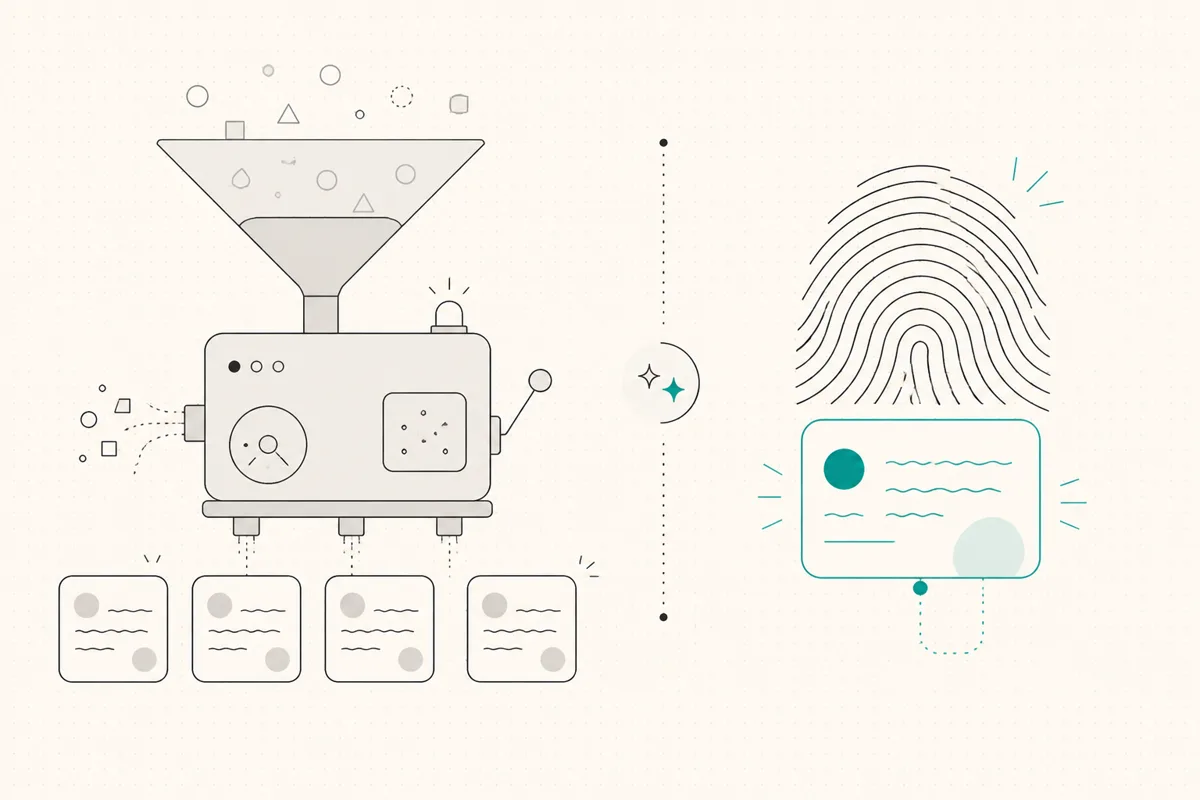
Choose a LinkedIn post generator by the draft you can actually use, not the number of tone settings. Give the tools the same real idea and writing samples, then check facts, voice and the time needed to edit. This page provides a repeatable comparison method, not a hands-on ranking of every generator.
Disclosure: WriteHero publishes this guide and sells a writing product. Try the free LinkedIn post generator for a brief-based draft, or use the AI tools shortlist to compare workflows. Free-tool output is not evidence of how a paid, history-based voice profile will perform.
Choose the workflow that matches your blocker
On a narrow screen, scroll sideways to read every column.
| Your situation | What to test | What would rule it out |
|---|---|---|
| You need a rough structure occasionally | A free brief-based generator | It invents the central story or needs more work than drafting yourself |
| You already have a recognizable writing style | Personalization from permitted writing samples | Your usual vocabulary and cadence still need a full rewrite |
| You write for several clients | Separate author contexts and a review process | Samples or instructions cross client boundaries |
| You only need formatting or a mobile check | A formatter and preview, not another writer | Paying for drafting when you already have the finished text |
| You need approvals, prospecting or automatic slide design | A tool that explicitly supports those tasks | Assuming a writing subscription replaces the whole agency workflow |
How generators model writing style
Some tools use a tone selection, templates or written instructions. Others take writing samples or build a profile from an author's post history. These describe mechanisms, not a quality ranking: detailed instructions can be useful, and a history-based profile can still produce a poor draft.
For a history-based workflow, check whose posts are used, whether they represent the style you want now, and whether you have permission to use them. If you have little original history, start with a factual brief and edit manually instead of expecting a tool to infer an established voice.
WriteHero's paid product builds a voice profile from existing LinkedIn posts. Its free generator uses the information you enter for that request. Neither removes the need to review the resulting text.
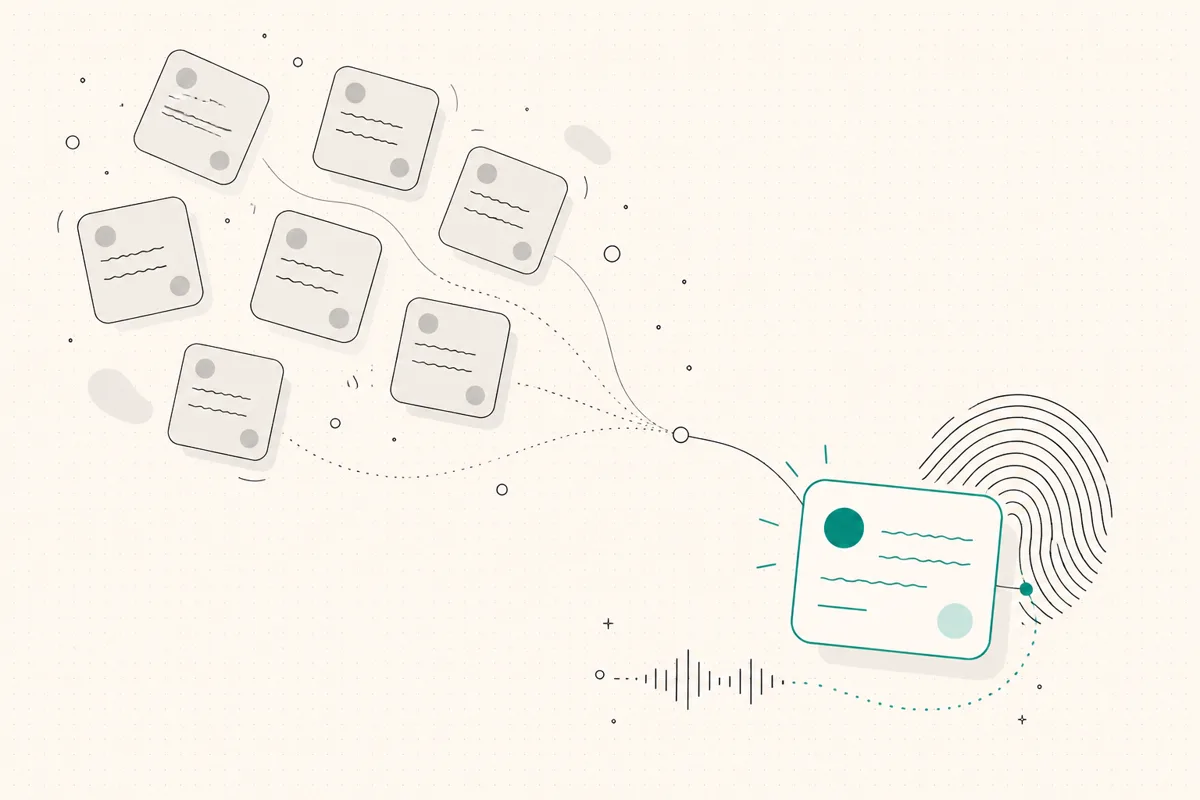
Compare drafts with the same brief
Use one topic you know well. Provide only evidence you can publish and writing samples you own or are allowed to use. Do not submit confidential client material to an unreviewed provider.
An illustrative brief might be: “Explain why our onboarding checklist now names an owner for each task. One missed handoff caused a delay; we changed the checklist. No measured time saving yet. Write for operations managers, with one question at the end.” This is a fictional test prompt, not a customer result.
On a narrow screen, scroll sideways to read every column.
| Check | What to record |
|---|---|
| Factual integrity | Invented numbers, quotes, people or outcomes you had to remove |
| Voice | Phrases you would not use; compare with the same author's real samples |
| Editing effort | Minutes from returned draft to a version you would publish |
| Reader fit | Whether the draft addresses the audience and task in the brief |
| Layout | Paragraph breaks and the opening in a mobile-sized preview |
| Workflow | How you save, review, schedule and verify publication |
Repeat with several different briefs. A single pleasing result does not prove sustained voice quality or time savings. If one tool saves time but adds fabricated claims, do not trade away the fact check to keep the apparent saving.
Check the publishing connection separately
Drafting, analytics collection, publishing and automated engagement are different actions. If a generator also posts to LinkedIn, review the permission screen, enabled actions, revocation controls and applicable LinkedIn rules.
An authorized OAuth connection describes how access is granted; it does not guarantee that an account can never be restricted. A browser extension alone does not prove unsafe behavior either. Do not accept an “account-safe” label as a substitute for inspecting what the product does. The Taplio alternatives comparison separates workflow requirements from these connection claims.
When the free generator is enough
Use a free generator if you need an occasional starting draft and are comfortable doing the review yourself. Keep the idea and supporting facts yours. Delete any invented anecdote rather than polishing it into something plausible.
For the parts outside drafting:
- Write a few openings using the method in how to write a LinkedIn post. A profile-headline tool is not a post-hook generator.
- Use the text formatter for optional Unicode styling, with its accessibility and character-count caveats.
- Use the post preview as a layout approximation, then verify in LinkedIn's composer.
- When the draft is ready, follow the scheduling and queue-verification steps; saving a draft does not schedule it.
When to try WriteHero's paid workflow
Consider the paid workflow when your job is repeated drafting from an established author's history, or keeping several clients' contexts separate. Pro includes one profile; Ghostwriter supports up to 10. Profile allowance is not the same as team seats, client approvals or white-label reporting.
Pro's current public base price is $29 USD with monthly billing or $228 USD billed for a full year. Check Pro pricing for currency and tax, or Ghostwriter pricing for the client-profile plan. An annual bill is not a month-to-month subscription. The trial lasts 14 days and requires no card.
During the trial, use the same review sheet above. Keep the subscription only if the actual drafts and workflow fit your needs; this guide does not claim a proven reduction to “just a few edits.”
Related reading
- LinkedIn post ideas, choose a topic from work you can substantiate.
- Best AI tools for LinkedIn posts, compare the drafting, editing and team-workflow requirements.
- LinkedIn ghostwriting, keep client instructions and reviews separate.
- LinkedIn post preview, inspect paragraph breaks before checking the real composer.
Choose your next step
Frequently asked questions
What is a LinkedIn post generator?
It turns a topic or factual brief into a draft LinkedIn post. Tools differ in their inputs, personalization, review controls and publishing workflow. The draft still needs a human check for facts, voice and relevance.
Is there a free AI LinkedIn post generator?
Yes. WriteHero's free generator drafts from a brief without signup, subject to its usage limits. It is separate from the paid product that builds a voice profile from existing posts. A free draft can be enough for an occasional post; check it rather than assuming a paid tool must write better.
Do LinkedIn post generators make every post sound the same?
Not necessarily. Shared templates or broad tone instructions can produce similar phrasing, but that is a risk to test, not a measured property of every generator. Compare drafts from the same brief with samples of your actual writing.
What should a good LinkedIn post generator do?
Preserve your point, avoid invented evidence and give you a draft you can review efficiently. Measure your own editing time and inspect the saved or published result. If the tool also publishes, review its permissions and actions; no connection method guarantees freedom from account restrictions.
Can a LinkedIn post generator help ghostwriters manage multiple clients?
Yes, when each client's writing samples and instructions stay separate. WriteHero Pro includes one profile and Ghostwriter up to 10. Separate contexts are a workflow control, not proof that drafts cannot mix styles. Review output against the correct client's samples and verify current pricing before buying.
Related guides
Browse Tools & Comparisons Tools & ComparisonsJuly 2, 2026
Best AI Tools for LinkedIn Posts: Choose by Workflow
A workflow-based shortlist of LinkedIn writing tools, with source-backed comparisons instead of invented quality scores.
Read more Tools & ComparisonsJuly 2, 2026
AuthoredUp Alternative: Editing, AI Drafting and Client Voices
AuthoredUp is no longer accurately described as having no AI. Here is how to compare its editing workflow and Coauthor beta with WriteHero.
Read more Tools & ComparisonsJuly 2, 2026
RedactAI Alternative: WriteHero vs RedactAI for Your Workflow
Both tools offer personalized writing. Compare the actual limits, billing periods and client workflow before choosing a RedactAI alternative.
Read more
See your first post, in your voice
Paste your LinkedIn profile and WriteHero drafts a post that sounds like you. See it before you sign up, no login needed. Create an account later to save the draft.