How to Create a LinkedIn Newsletter (and Actually Get Subscribers)

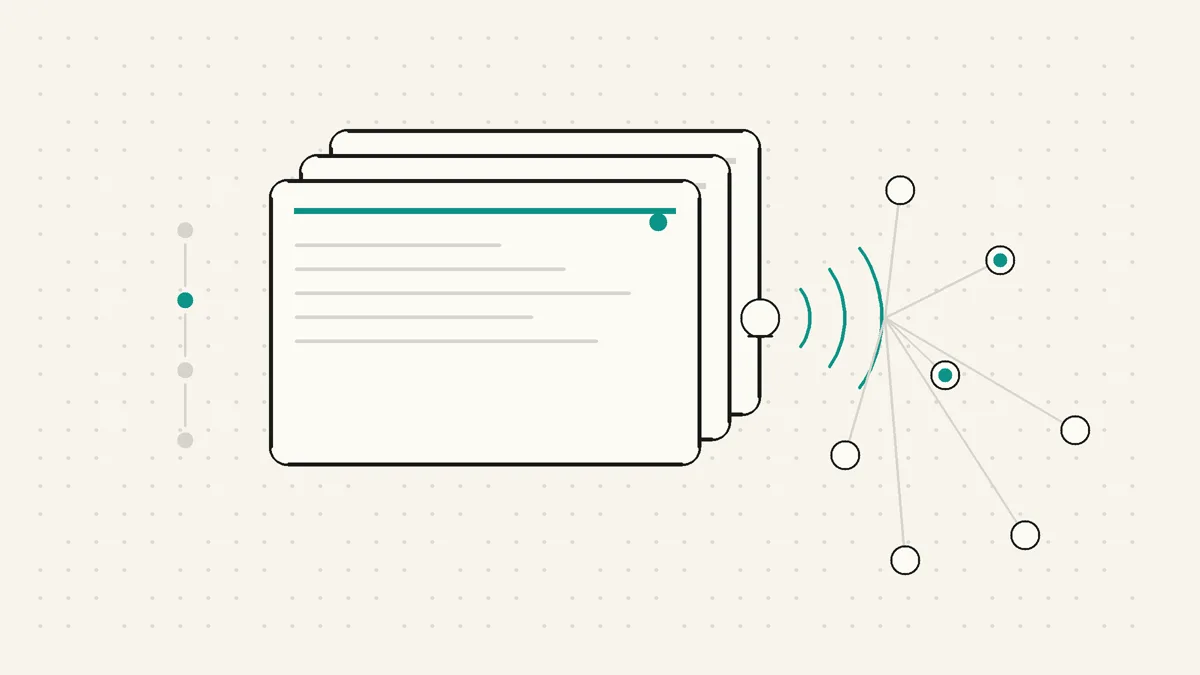
Most people on LinkedIn write posts and hope. You publish, the feed decides who sees it, and a few days later the post is buried under everything else people are scrolling through.
A LinkedIn newsletter is a different deal. People subscribe once, and from then on LinkedIn actively tells them when a new edition is live. That one difference, subscription plus notification, is why a newsletter can become more reliable than a normal post for founders, consultants, and independent professionals who are trying to be remembered for a specific point of view.
This guide walks through how to create a LinkedIn newsletter, what to write once it exists, and when a newsletter is the wrong format. No invented performance stats. No fake growth promises. Just the mechanics and the judgment calls.
TL;DR
- 🔔 A LinkedIn newsletter is subscription-based. People subscribe once, then get notified in app and usually by email when you publish a new edition.
- 🧭 The setup is simple. Open LinkedIn's article editor, choose Create newsletter from the Manage menu, name the series, add visual assets, and publish the first edition.
- 📝 Each edition works like an article. You publish a headline, cover image, and long-form body, but the edition belongs to a recurring series.
- 🎯 The topic matters more than the tool. A newsletter needs one clear promise to one clear reader, not a loose pile of thoughts.
- 📆 Consistency beats volume. A monthly newsletter you keep is stronger than a weekly one you abandon.
- 🗣️ Voice is the moat. Subscribers come back for useful thinking in your voice, not generic advice they could get anywhere.
What is a LinkedIn newsletter, and why does it beat a normal post?
A LinkedIn newsletter is a native, subscription-based series you publish on LinkedIn. A reader subscribes once. Each time you publish a new edition, LinkedIn notifies that subscriber in the app and usually by email. Each edition is published much like an article: a headline, a cover image, and long-form body copy.
A normal post does not have that promise. You publish into the feed, and the algorithm decides who sees it based on early engagement, relationship signals, timing, format, and other factors you do not control. A strong post can travel far. A useful post can also disappear quietly if the first few minutes do not go its way. If you want the deeper mechanics, our guide to how the LinkedIn algorithm works breaks that down.
A newsletter starts from a warmer place. Your subscribers have already said, in effect, tell me when you write about this again. You are not asking the feed to rediscover your audience from scratch every time. LinkedIn has a reason to bring your next edition back to the people who asked for it.
That does not mean a newsletter magically outperforms everything else. It still needs a clear topic, a useful edition, and enough trust for someone to subscribe. But it does give you a more reliable relationship with the people who care about the theme. For anyone building a LinkedIn personal brand, that is the important part.
A post is good for quick reach and conversation. A newsletter is better for repeated attention around one idea. If your goal is to become known for a specific problem, market, or point of view, repeated attention is the game.
How to create a LinkedIn newsletter
LinkedIn moves its interface around, but its current documented flow is straightforward. Click Write article from the homepage, open Manage in the publishing tool, then select Create newsletter. LinkedIn says all members can create a newsletter; newsletters published as a LinkedIn Page have separate access criteria. See LinkedIn's official Newsletters FAQ for the current steps.
Step 1: Open the article editor
From your LinkedIn homepage, click Write article. If you administer a Page, choose whether you are publishing as yourself or as that Page before continuing.
Step 2: Open the newsletter creation flow
In the publishing tool, open the Manage menu and select Create newsletter. If you are publishing for a Page and the option is unavailable, check LinkedIn's Page newsletter access criteria rather than looking for Creator Mode.
Think of this as the fork in the road. An article is one piece. A newsletter is the container for a recurring series of pieces. You are not just writing today’s article, you are setting up the promise for everything that follows.
Step 3: Name the newsletter
The name should tell the reader what they are subscribing to. This is where many people get too clever or too self-centered.
A good name points to a topic, reader, or outcome. A weak name only points to the author. The reader is asking, what will I get if I subscribe? Make the answer obvious.
For example, a fractional CMO might name a newsletter around pipeline, positioning, or founder-led marketing. A product consultant might name it around onboarding teardowns or retention lessons. The exact phrase matters less than the promise being clear.
Step 4: Set a cadence you can actually keep
LinkedIn asks for a publishing cadence, commonly weekly or monthly. Treat this as a reader promise, not a branding detail.
Weekly is useful if the topic is alive in your day-to-day work and you have a real pipeline of observations. Monthly is better if you need time to think, collect examples, and write something with weight. The wrong cadence is the one you choose because it sounds impressive and then miss repeatedly.
This is one of the simplest LinkedIn newsletter best practices: choose the rhythm you can defend on a bad week. Consistency builds trust. Volume without consistency teaches people not to expect you.
Step 5: Add a logo, cover, and first edition
You will be asked to add visual assets, usually a square-ish logo or icon for the newsletter and a wider cover image for the edition. Do not overthink the branding. Clean, recognizable, and on-topic is enough.
Then write your first edition. Each edition is published like an article, with a headline, cover image, and body. The first edition matters because it has to do two jobs at once: deliver value to the reader and prove that the series is worth subscribing to.
Do not use edition one as throat-clearing. Put a real point of view in it. Show the reader what kind of thinking they can expect next time.
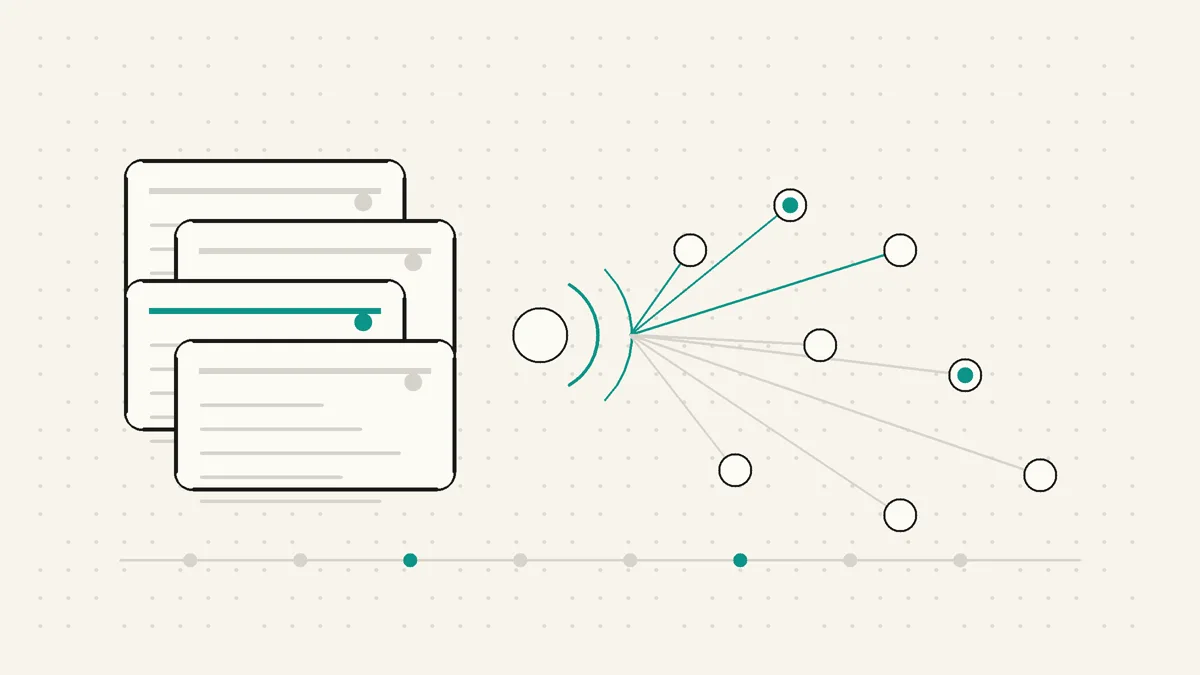
What should you actually write in a LinkedIn newsletter?
The setup is easy. The writing is where newsletters live or die.
A good LinkedIn newsletter does not need to be huge. It needs to be specific, recognizable, and worth the notification. The reader should understand why this edition exists and why it came from you.
Pick one clear topic. If your newsletter is about everything you think about, it is not a newsletter yet. It is a journal with a subscribe button. Choose a lane narrow enough that the right reader can instantly tell, yes, this is for me.
Write for one reader. The strongest editions feel like they were written for a real person with a real problem. A founder trying to get first customers. A consultant trying to stay visible without sounding fake. A marketing lead trying to explain a messy category. When the reader is clear, the writing sharpens.
Bring a point of view. Summaries are everywhere. A newsletter earns attention when it tells the reader what you think, what you noticed, what surprised you, or what most people misunderstand. You do not need to be contrarian for sport. You do need a reason for the edition to exist.
Use a repeatable shape. A recurring format lowers the blank-page cost. You might use one lesson, one example, one action. Or one teardown, one mistake, one fix. Or one trend, one implication, one question. The format gives you a rail to write on and gives the reader a rhythm to recognize.
Mine regular posts for seeds. If a post gets thoughtful comments, saves, or replies, it may deserve a newsletter edition. Expand the idea. Add examples. Answer the objections that came up in the comments. If you need fresh angles, our LinkedIn post ideas guide can double as a newsletter topic bank.
Write in your own voice. This is not soft advice. It is the reason people stay subscribed. Generic advice teaches readers nothing about how you think. Your phrasing, examples, doubts, and little edges are what make the edition feel like it came from a person rather than a content machine.
If you use AI to draft, use it as a starting point, not a mask. A LinkedIn post generator can help you get unstuck, but the useful version still needs your judgment, examples, and voice layered back in.
Stuck on a topic? Our LinkedIn newsletter examples walk through six newsletter concepts by role, each with an angle and a first-edition outline you can adapt.
Newsletter vs regular posts vs articles: when should you use each?
LinkedIn gives you several formats, and they overlap enough that people pick the wrong one. Here is the simple breakdown.
On a narrow screen, scroll sideways to read every column.
| Format | Best for | Reach model | Use it when |
|---|---|---|---|
| Regular post | Quick takes, questions, stories, reactions, short lessons | The feed decides who sees it | You want conversation now or you are testing an idea |
| Article | One deep, standalone piece | Mostly discovery, sharing, and profile credibility | You want a durable long-form piece with no recurring promise |
| Newsletter | A recurring series around one theme | Subscribers are notified in app and usually by email | You will return to the topic repeatedly and want readers to follow the series |
The decision rule is simple. If it is short and timely, make it a post. If it is long and standalone, make it an article. If it is a theme you can return to again and again, make it a newsletter.
The mistake is starting a newsletter because it feels more serious, then publishing twice and vanishing. A newsletter only earns its keep if you are willing to keep the promise.
A quick, honest note on LinkedIn newsletter image sizes
Image size advice for LinkedIn is messy because the recommendations vary by context and change over time. Anyone who presents one permanent official number for every newsletter image is being too confident.
As a practical guide, the newsletter logo or icon is roughly square, often around 300 x 300 px. Each edition’s header or cover image is wide, roughly 16:9. You will see commonly cited sizes such as 1280 x 720, 1200 x 644, or up to 1920 x 1080 depending on the context and source.
The safer move is to design a wide cover, keep important details away from the edges, avoid tiny text that will break on mobile, and export at a comfortably high resolution. The exact display treatment can change. A clean wide image with safe margins survives those changes better than a design that depends on pixel-perfect cropping.
LinkedIn newsletter best practices that matter after setup
Once the newsletter exists, your job is not to publish more. Your job is to become reliably worth opening.
Make the promise visible. Readers should understand the newsletter from the title, description, and first edition. If you cannot summarize the promise in one sentence, the topic is probably too vague.
Keep a small idea backlog. Do not wait until publishing day to decide what you believe. Keep a running list of observations, client questions, objections, examples, and posts that deserved more room. The backlog is what keeps consistency from becoming panic.
Use posts to promote editions without begging. A regular LinkedIn post can introduce the idea, share one useful excerpt, and point people to the full edition. That gives the newsletter reach beyond existing subscribers without turning your feed into repeated subscribe requests.
Treat replies as research. If people respond to an edition, pay attention to the exact language. Their questions are future editions. Their objections are future sections. Their examples tell you what the audience actually cares about.
Keep your profile ready for new readers. A newsletter can bring people back to your profile, so make sure the rest of the page supports the same positioning. If your About section is vague, our LinkedIn About generator can help you turn the profile visit into a clearer next step.
The newsletter lives or dies on the writing. WriteHero helps you turn raw ideas into LinkedIn-native drafts that still sound like you. Use it to get past the blank page, then add the lived experience only you can add. Try WriteHero free
Start small, stay consistent
If you are wondering how to start a LinkedIn newsletter, the answer is not complicated. Open the article editor, create the newsletter from the Manage menu, give it a clear promise, set a cadence you can keep, add the basic visuals, and publish a first edition that proves the series deserves attention.
The harder part is staying honest with the format. A newsletter is not a place to dump every thought that did not fit in a post. It is a recurring promise to a specific reader.
Start narrower than feels comfortable. Publish less often than your ego wants. Write in your own voice. If the editions keep being useful, the subscription mechanic can do what a normal post cannot: bring the right readers back on purpose, again and again.
Choose your next step
Frequently asked questions
What is a LinkedIn newsletter?
A LinkedIn newsletter is a native, subscription-based series published on LinkedIn. People subscribe once, and LinkedIn can notify them in the app, by push notification, and by email when you publish a new edition.
Do you need Creator Mode to start a LinkedIn newsletter?
No. LinkedIn's current help documentation says all members can create a newsletter. Start from Write article, open the Manage menu in the publishing tool, and choose Create newsletter. Page newsletters have separate access criteria.
How often should you publish a LinkedIn newsletter?
Pick the cadence you can keep. Weekly works if you have a steady pipeline of ideas, but monthly is better than weekly if monthly is the rhythm you will actually maintain. Subscribers build expectations around the cadence you choose, so consistency matters more than volume.
What is the difference between a LinkedIn newsletter and a LinkedIn article?
A LinkedIn article is a standalone long-form piece. A LinkedIn newsletter is a recurring series of editions that people can subscribe to. Each new edition is published like an article, but subscribers can be notified when it goes live. Use an article for a one-off deep piece and a newsletter for a theme you will revisit.
How do you get subscribers to a LinkedIn newsletter?
Start with a first edition that makes the promise clear, then share it as a regular post and mention it in your profile. After that, useful editions, clear positioning, and a dependable cadence give readers a reason to stay subscribed.
Related guides
Browse Writing WritingJuly 3, 2026
How to Write a LinkedIn Post That Sounds Like You
A practical guide to writing LinkedIn posts that earn attention without sounding generic: hook, body, takeaway, voice, formatting, and final checks.
Read more WritingOctober 3, 2026
How to Schedule LinkedIn Posts and Find Scheduled Posts
A practical guide to LinkedIn's native scheduler, including where scheduled posts live, how to edit them, and what to check when the clock or a post is missing.
Read more- WritingOctober 3, 2026
LinkedIn Drafts: Where to Find, Save and Recover Your Post
Post drafts and article drafts live in different places. Find the right one, keep a safe copy, and avoid discarding work while looking for a scheduled post.
Read more
See your first post, in your voice
Paste your LinkedIn profile and WriteHero drafts a post that sounds like you. See it before you sign up, no login needed. Create an account later to save the draft.