LinkedIn Profile for Consultants: Turn Visitors Into Conversations

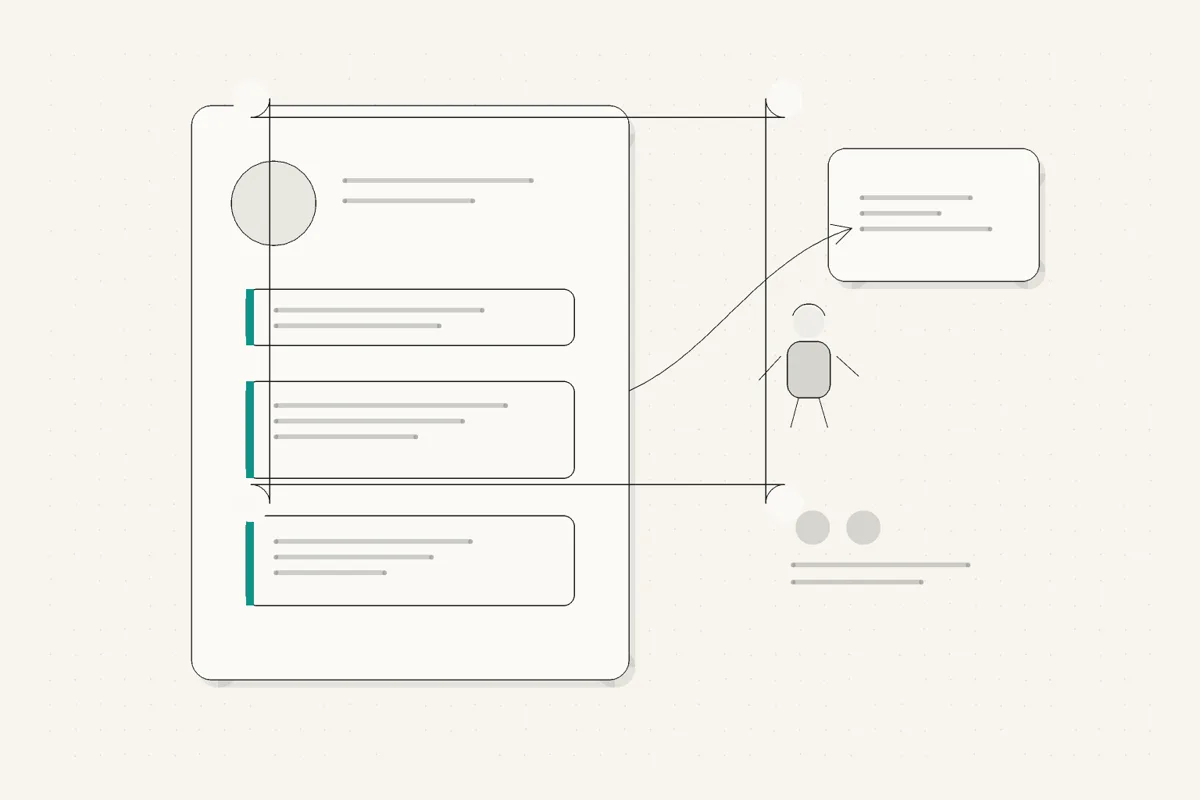
When someone is deciding whether to hire you, they end up on your LinkedIn profile. A referral sends them there. One of your posts catches their attention and they click your name. They meet you at an event and look you up the next week. In every case, your profile is doing the same job: turning a moment of interest into a reason to start a conversation.
That is why a LinkedIn profile for consultants is not a resume. A resume lists what you have done. Your profile has to make a relevant visitor think "this is the person who can fix my problem, and I should reach out." This guide walks through each section with that single job in mind, for the consultant, coach, fractional exec, or freelancer whose profile is a conversion surface, not a formality.
TL;DR
- 🌉 Your profile is a bridge, not a bio. It converts attention from referrals, posts, and profile views into a conversation.
- 🎯 The headline is positioning, not a title. State who you help and the problem you solve, in words a prospect would use.
- 📝 The about section makes the argument. Lead with the problem and who you serve, not your career history.
- 📌 Featured is where proof lives. A case study, a strong post, or a booking link catches the interested visitor.
- 🖼️ Banner and photo reinforce positioning. A clear headshot plus one line on who you serve, working before anyone scrolls.
- 🧾 Experience should read as outcomes, the work you take on now, not a duties-based resume.
- 🧰 You do not need a creator suite. A few free tools let you test the profile before a prospect ever sees it.
Why does a LinkedIn profile for consultants need to convert, not just describe?
Most profile advice is written for people building a personal brand, where the goal is followers and reach. That is not your goal. As a consultant, you win when the right person, someone who actually has the problem you solve, decides you are worth a conversation. Reach that never converts is just noise.
So think of your profile as the landing page that every other LinkedIn effort points to. Your posts drive traffic to it. A referral sends traffic to it. A search for your name lands on it. The traffic is often already warm. The only question is whether the page turns that warmth into action, or lets it cool.
That reframes what "good" means for each section. A describing profile answers "what does this person do?" A converting profile answers three sharper questions in order:
- Are you relevant to me? Answered by the headline, in the first second.
- Can I trust you to solve this? Answered by the about section and Featured proof.
- What do I do next? Answered by a clear path to a conversation.
You do not need a large creator toolkit or empty follower tactics to do this. You need each section pulling toward the same outcome. This article is the profile companion to the broader LinkedIn for consultants guide, which covers how posting, positioning, and rhythm feed the profile. Here we stay on the profile itself.
What should your consultant LinkedIn headline say?
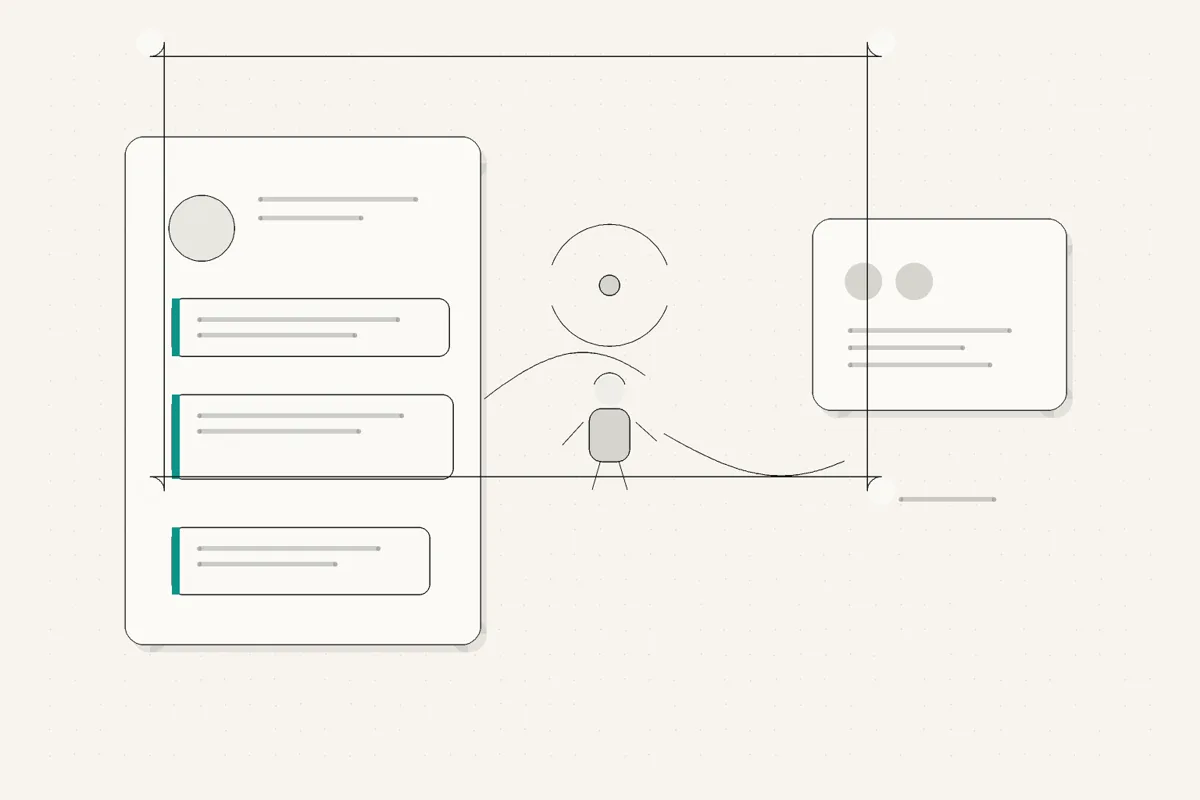
Your headline is the most important line on your profile, because it travels. It appears under your name in every comment, every post, every search result, and every connection request. A prospect scanning a thread sees your name and headline together, and that pairing alone decides whether they click.
The default headline is a job title: "Consultant" or "Founder at [Company]." That describes you and sells nothing. It makes a visitor do the work of figuring out whether you are relevant, and most will not bother.
A converting consultant LinkedIn headline states two things: who you help, and the problem you solve. Optionally a third: a hint of proof or specificity.
- Weak: Marketing Consultant
- Better: I help B2B founders turn LinkedIn into a pipeline channel
- Stronger: I help early-stage B2B SaaS founders fix onboarding so more trials convert to paid
The stronger version does something the title never could: the exact right person reads it and thinks "that is me." Narrowing the who does not shrink your market, it makes you the obvious choice inside it. You can always take work outside the lane you state.
Keep it readable on a phone, since that is where most people see it, and lead with the value rather than a clever line that makes people decode it. If you want to test a few versions quickly, our LinkedIn headline generator is a fast way to compare openings before you commit.
How should the LinkedIn about section for consultants be structured?
If the headline earns the click, the about section closes the gap between interest and trust. This is where most profiles fall apart, because they read like a resume written in the third person: "Jane is a seasoned consultant with over a decade of experience across..." Nobody was ever persuaded to reach out by a corporate bio.
Write the about section in first person, in your actual voice, as an argument for why the right client should talk to you. Structure matters because LinkedIn truncates it: only the first two or three lines show before a "see more," so those lines have to carry the hook.
A structure that works for a LinkedIn about section for consultants:
- Open with the problem and who has it. The first two lines, before the fold, should make your ideal client feel seen. Name the specific pain, not a general mission.
- Show you understand it deeply. A short paragraph that proves you have lived this problem, so the reader trusts you get the nuance, not just the headline version.
- Give brief proof. A result, a type of client, a track record. Specific and honest beats a wall of adjectives. One real number lands harder than "proven results."
- Say who it is for, and who it is not. A little exclusion builds trust. It signals you know exactly who you serve.
- End with a clear next step. Tell the interested reader what to do: book a call, send a message, check the link in Featured. Do not leave them guessing.
Keep it to three to five short paragraphs. The goal is not to say everything, it is to say enough that the right person messages you. Write it the way you would explain your work in a first call, just tighter, and make sure it sounds like you rather than like standard professional copy that could belong to anyone.
What should consultants put in Featured?
Featured is prime real estate that most consultants leave completely empty, which is a wasted moment. By the time someone reaches it, they have read your headline and your about section and they are interested. Featured is where you give that interested person something to act on.
Good things to feature, in rough order of usefulness for a consultant:
- A booking link or lead magnet that turns interest into a next step directly.
- A case study or client result that proves you do what you say, ideally with a concrete outcome.
- Your best post, the one that best shows how you think, so a visitor gets a live sample of your judgment.
- A short explainer or offer page if your service needs a little framing before someone reaches out.
Do not overload it. Three or four strong items beat ten weak ones. The point is to catch a warm visitor at the exact moment they are looking for a reason to reach out, and hand them that reason. An empty Featured section lets that moment pass in silence.
What should your banner, photo, and intro card communicate?
The top of your profile is doing work before anyone reads a word of your about section. The photo, banner, and the name-and-headline card are the first impression, and for a consultant that first impression is a trust signal.
- Photo. Use a clear, current, approachable headshot where your face is easy to see. People hire people. A blurry, distant, or heavily filtered photo quietly erodes trust before you have said anything. It does not need a studio, it needs to look like a real, credible human.
- Banner. Do not leave it blank or fill it with a stock skyline. Use it to reinforce positioning: one line on who you help, a tagline, or your offer. It is free space that most consultants waste, and a single clear line there echoes your headline and makes the top of your profile feel deliberate.
- The intro card as a unit. Read your name, headline, and banner together the way a first-time visitor does. In two seconds, do they communicate who you are and who you serve? If the three elements point in different directions, tighten them until they agree.
None of this is about looking like a creator or a personal brand. It is about a profile that reads as a credible professional who solves a specific problem, so a relevant visitor keeps reading instead of clicking away.
How should experience and services support the sale?
By the time a prospect scrolls to your experience, they are usually doing due diligence: confirming you are real and that you have actually done this. So this section should support the sale, not restart it as a job history.
Reframe experience from duties to outcomes. Instead of listing responsibilities, describe the kind of problems you solved and the work you take on now. A current role written as "I help [who] with [what], typically [outcome]" is far more useful to a prospect than a bulleted list of tasks. For older roles, keep them brief and relevant, and let them build the arc that led to what you do today.
If you use LinkedIn's services section or a similar structured area, keep it aligned with your headline and about section. The whole profile should tell one coherent story about one kind of work. A prospect who reads a sharp headline and then finds an experience section pointing at three unrelated careers gets confused, and confusion does not convert.
The honest test for this section: does it make a relevant visitor more confident, or does it just fill space? Trim anything that does not build confidence in the specific work you want more of.
What LinkedIn profile tips for consultants are worth checking before you publish?
Before you consider the profile done, run it through a section-by-section check. These are the LinkedIn profile tips for consultants that most directly affect whether a visitor converts.
On a narrow screen, scroll sideways to read every column.
| Section | Common mistake | What it should do |
|---|---|---|
| Headline | Lists a job title | States who you help and the problem you solve |
| Photo | Blurry, distant, or dated | Clear, current, approachable headshot |
| Banner | Blank or a stock image | Reinforces positioning in one line |
| About, first 2 lines | Opens with career history | Hooks the ideal client with their problem |
| About, full | Third-person resume prose | First-person argument in your real voice |
| Featured | Empty | Proof and a next step: case study, post, booking link |
| Experience | Duties and responsibilities | Outcomes and the work you take on now |
| Overall | Tries to appeal to everyone | Speaks clearly to one specific client |
| Next step | None, or hard to find | An obvious way for an interested visitor to reach you |
Two more checks that are easy to miss. First, read the whole profile on your phone, since that is where most people will see it, and make sure the first lines of each section land before any truncation. Second, ask whether a stranger who matches your ideal client would know, within seconds, that you are relevant to them. If not, the fix is almost always sharper positioning, starting with the headline.
Which tools help you test a LinkedIn profile for consultants before prospects see it?
You do not need a large creator suite to get this right. You need to see your profile the way a prospect will, and tighten the words that do the most work. A few narrow tools help:
- Test your positioning. Run your profile through the LinkedIn profile analyzer to pressure-test whether it proves relevance quickly, and use the LinkedIn headline generator to compare a few headline versions before you commit to one.
- Format cleanly. LinkedIn strips most formatting from your about section, so bold text and clean line breaks take a workaround. The LinkedIn text formatter handles that in the browser, free.
- Preview how it reads on mobile. Most visitors are on a phone, and the "see more" cutoff decides how much of your about section and Featured posts actually get read. The LinkedIn post preview lets you check that break before it goes live.
A profile is only half the system. It converts attention, but it needs attention to convert, and that comes from posting consistently in your own voice. If your bottleneck is turning a rough idea into a finished post that still sounds like you, a LinkedIn post generator that learns from your real writing removes the friction, and the LinkedIn post ideas frameworks give you things worth posting about. For the wider view of which tools fit which bottleneck, the best AI tools for LinkedIn posts roundup compares the field honestly.
The goal stays the same across all of it. Not a profile that impresses, a profile that converts a relevant visitor into a conversation.
Related reading
- LinkedIn for consultants, the hub guide on profile, posting, positioning, and rhythm as one trust system.
- How to optimize your LinkedIn profile, the general, part-by-part profile tune-up.
- LinkedIn post ideas, ten frameworks for posts that keep your profile alive and drive relevant visitors to it.
- LinkedIn post generator, on why voice-matched drafting beats generic tools once you have the idea.
- Best AI tools for LinkedIn posts, the full buyer's guide by bottleneck.
- LinkedIn headline examples, 20+ headline formulas by role for the most important line on your profile.
- LinkedIn summary examples, real About sections by role with the structure broken down.
- LinkedIn headline generator, for testing the most important line on your profile.
- LinkedIn profile analyzer, for pressure-testing whether your profile proves relevance in seconds.
- LinkedIn text formatter, for bold text and line breaks that survive LinkedIn.
- LinkedIn post preview, for checking the mobile "see more" cutoff before you publish.
Choose your next step
Frequently asked questions
What should a LinkedIn profile for consultants include?
At minimum: a headline that states who you help and the problem you solve, a clear current headshot, a banner that reinforces your positioning, an about section that argues why the right client should talk to you, and a Featured section with real proof such as a case study, a strong post, or a booking link. Your experience should read as outcomes and the work you take on now, not a duties-based resume. The test is whether a stranger who lands from a referral or a post understands within seconds whether you are relevant to them.
What is a good consultant LinkedIn headline?
A good consultant LinkedIn headline is positioning, not a job title. It answers who you help and with what, in plain words a prospect would actually use, ideally with a hint of proof or specificity. Compare Consultant at Self-Employed, which says nothing, with something like I help early-stage B2B SaaS founders fix onboarding so trials convert. The second one lets the right person recognize themselves and click. Keep it readable on mobile, since your name and headline travel together under every comment and post.
How long should the LinkedIn about section for consultants be?
Long enough to make the argument, short enough that it gets read. The first two or three lines matter most because LinkedIn truncates the rest behind a see more link, so lead with who you help and the problem, not your life story. A strong about section for consultants usually runs three to five short paragraphs: the problem you solve, who you solve it for, brief proof, and a clear next step. Write it in first person and in your own voice, not in stiff third-person corporate prose.
Should consultants use Featured on LinkedIn?
Yes. Featured is prime space that most consultants leave empty, and it is where you put proof a visitor can act on: a case study, a client result, your best-performing post, a lead magnet, or a booking link. Think of it as the section that catches someone who is already interested after reading your headline and about section. An empty Featured area wastes the moment when a warm visitor is looking for a reason to reach out.
Should my profile sound personal or professional?
It should sound like a real, credible human, which is both. For consultants, buyers are hiring a person, so a profile that reads like a corporate brochure works against you, but one that is all personality and no substance does too. Write in first person, in your actual voice, and back the personality with specifics: real problems you solve, real outcomes, a real point of view. The goal is that your profile sounds like how you would talk in a first call, just tighter.
How often should I update my consultant LinkedIn profile?
Revisit the core sections whenever your positioning shifts, which for most consultants is once or twice a year, plus a quick check anytime you niche down, change your offer, or land a result worth featuring. The headline and about section should always match the work you actually want more of now, not the work you did three years ago. Beyond that, the profile stays alive through your posts, so consistent posting matters more than constant profile edits.
What mistakes make consultant profiles fail to convert?
The common ones: a headline that lists a title instead of stating who you help, an about section written as a third-person resume, an empty Featured section, vague positioning that tries to appeal to everyone, and no clear next step for an interested visitor. The deeper mistake is treating the profile as a static bio rather than a conversion surface that referrals, posts, and searches all point traffic to. Fix the headline and about section first, since they do the most work.
Related guides
Browse Profile ProfileJuly 3, 2026
How to Optimize Your LinkedIn Profile: A Section-by-Section Checklist
A goal-based checklist for your headline, About, photo, Featured work and experience, with evidence and saved-profile checks.
Read more ProfileJuly 3, 2026
LinkedIn Headline Examples: 21 Options by Role
Choose from 21 illustrative headline structures by role, adapt only accurate claims and verify the saved profile on mobile and desktop.
Read more ProfileJuly 3, 2026
LinkedIn Summary Examples: 10 About Sections by Role
Ten illustrative About sections by role, including an accounting example, with a four-part structure and checks for evidence, scope, length and profile language.
Read more
See your first post, in your voice
Paste your LinkedIn profile and WriteHero drafts a post that sounds like you. See it before you sign up, no login needed. Create an account later to save the draft.