WriteHero

LinkedIn Character Limit: The Definitive 2025 Reference for Posts, Headlines, About, Comments, and More

· Content & Copywriting, WriteHero · LinkedIn · July 3, 2026

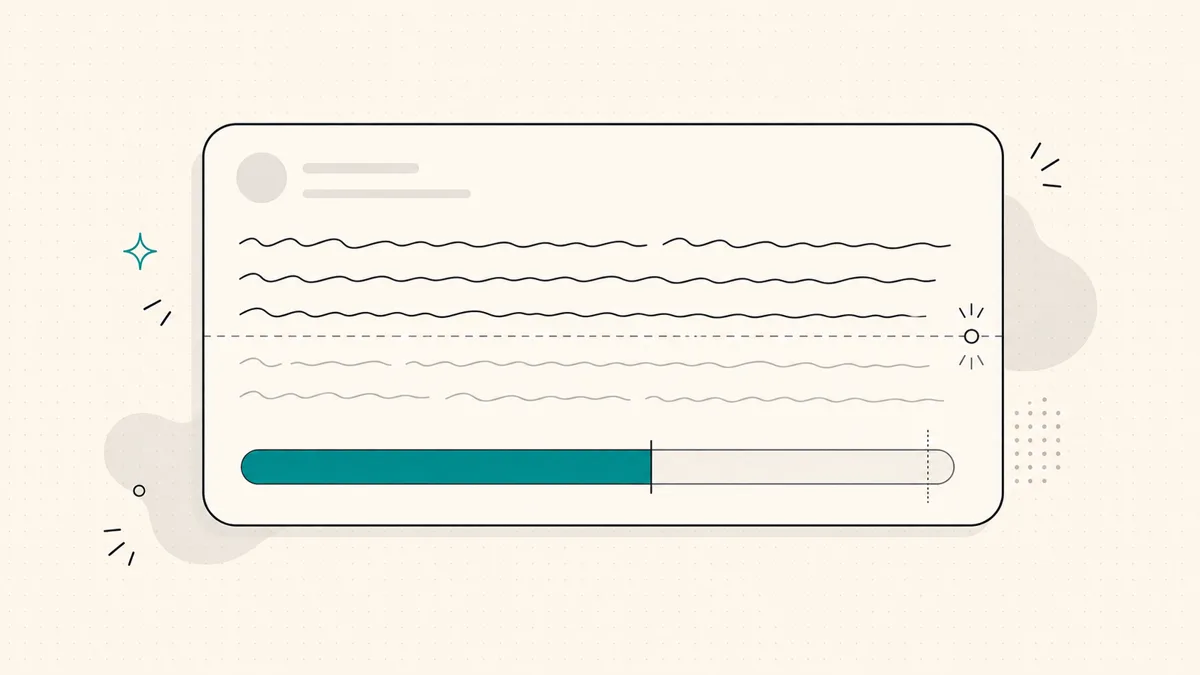
Hero: abstract text field with a progress gauge approaching a character limit line

If you have ever pasted a post into LinkedIn and watched the publish button complain, you already know the annoying part: LinkedIn character limits are not hard to hit on purpose. They are hard to remember when you are moving between a post, a headline, a comment, a connection note, and a company page.

This guide keeps the numbers in one place, using the same limits checked by our LinkedIn character counter. No guessed ad limits. No invented message limits. No fake ideal length benchmarks presented as facts.

Use it as a reference when you write, then run the actual draft through the LinkedIn character counter before you publish.

TL;DR

  • 📌 Posts max out at 3,000 characters. The LinkedIn post character limit is a ceiling, not a target.
  • 🪝 The first ~210 characters matter most on mobile. That is where the reader decides whether to tap see more.
  • 👤 Headlines get 220 characters. Your headline appears all over LinkedIn, so make it clear before you make it clever.
  • 🧾 About sections get 2,600 characters. You have room for a story, but the opening lines still carry the section.
  • 💬 Comments get 1,250 characters. Enough for substance, usually more than you need.
  • 🤝 Connection request notes get 300 characters. Specific and human beats long and polished.
  • 🏢 Company page taglines get 120 characters. Treat them like positioning, not a slogan contest.
  • 🧮 Check before you post. The LinkedIn character counter uses these same limits.

What is the linkedin character limit in 2025?

The phrase linkedin character limit sounds singular, but LinkedIn has different limits for different places. A post is not a headline. A headline is not an About section. A connection request note is much shorter than all of them.

Here are the limits we can confirm from our own tool implementation.

LinkedIn fieldCharacter limitWhat to remember
Post3,000 charactersThe maximum for a standard LinkedIn post. Your hook still has to work before see more.
Headline220 charactersSearchable profile real estate that follows you across LinkedIn.
About / summary2,600 charactersEnough for context, proof, and personality, but the opening lines matter most.
Comment1,250 charactersEnough for a thoughtful reply or mini-take. Most comments should be shorter.
Connection request note300 charactersUse it for relevance and context, not a full sales pitch.
Company page tagline120 charactersA compact positioning line for a company page.

These are the numbers checked by WriteHero's LinkedIn character counter: post 3,000, headline 220, About / summary 2,600, comment 1,250, connection request note 300, and company page tagline 120.

We are not including LinkedIn message limits or ad limits here because this article is meant to be a dependable reference, not a trivia sheet. If we cannot verify a number from the tool or a reliable source, we leave it out.

What is the linkedin post character limit?

The LinkedIn post character limit is 3,000 characters. If you are searching for the character limit for LinkedIn post drafts, that is the number to remember.

But the practical limit arrives much earlier.

LinkedIn truncates feed posts behind see more. On mobile, the visible preview is roughly the first 210 characters. Desktop can show a bit more, but mobile is where many readers first see your post, so the safe habit is simple: make the opening work inside the first ~210 characters.

That does not mean every post should be short. It means your first sentence has a job. It needs to give the reader a reason to keep going before LinkedIn hides the rest.

A useful opening usually does one of three things:

  • Names a real problem your reader recognizes.
  • Challenges a belief they already have.
  • Opens a specific story loop they want resolved.

What it should not do is spend the first line warming up. You do not have much room before see more, and the reader owes you nothing.

Before publishing, paste the draft into the LinkedIn post preview tool to see how the opening looks in the feed. Then use the LinkedIn character counter to confirm the full post still fits under 3,000 characters.

Concept: character counter fill bar reaching toward a limit marker with an early see-more cutoff line

Is the LinkedIn post character limit the same as the ideal length?

No. The limit is the maximum. It is not the goal.

This distinction matters because a lot of writing advice quietly turns limits into targets. If LinkedIn gives you 3,000 characters, it is tempting to treat a 3,000-character post as more complete. Sometimes it is. Often it is just harder to finish.

The honest rule is this: write as long as the idea needs, then cut what the reader does not need.

A short post can work when the point is sharp. A longer post can work when the story, argument, or teardown earns the space. What usually fails is a post that uses the full character limit because the writer did not make decisions.

For solo consultants, founders, and fractional leaders posting under their own name, the real question is not can this fit. It is would the right person keep reading.

That is why the see-more cutoff matters more than the total maximum. The first ~210 characters earn the read. The rest has to repay it.

If you want a writing walkthrough rather than a limits sheet, read our guide on how to write a LinkedIn post. If you want to understand what happens after a post is shown, the plain guide to LinkedIn impressions explains the difference between exposure and attention.

What is the linkedin headline character limit?

The LinkedIn headline character limit is 220 characters.

Your headline is not just the line under your name on your profile. It appears in search results, comments, connection requests, suggested profiles, and feed previews. That makes it one of the highest-friction places to be vague.

A good headline usually answers three questions quickly:

  • Who do you help?
  • What do you help them do?
  • Why should they believe you are relevant?

You can use all 220 characters, but you do not have to. The better test is whether a stranger in your market can understand your value without decoding internal language.

For example, a headline like Founder might be true, but it does not say enough. A headline like I help B2B consultants turn real client work into LinkedIn posts that sound like them says more, but it still has to fit, scan, and feel like a person wrote it.

If you are rewriting yours, draft a few options, then check them against the 220-character limit with the LinkedIn character counter. For a faster starting point, use the LinkedIn headline generator, then edit the result until it sounds like you.

What is the character limit linkedin gives to About sections?

The LinkedIn About section, also called the summary, has a 2,600-character limit.

That is enough room to do more than list your role. You can explain who you help, what problem you work on, what shaped your point of view, and why someone should trust you. For an independent professional, the About section is often where a profile stops being a resume and starts becoming a sales page with a human voice.

Still, the full 2,600 characters are not automatically useful. The opening lines matter because LinkedIn often collapses the rest behind see more. If the beginning sounds generic, many people will never expand it.

A clean About section usually has this shape:

  • A first line that says what you do in plain language.
  • A short paragraph about the problem you solve.
  • Specific proof or context, only if it is real.
  • A few lines on how you work or what you believe.
  • A simple next step, such as what to message you about.

Do not turn the About section into a keyword dump. Do not fill it with empty traits like passionate, driven, or results-oriented. The limit gives you space, but trust comes from specificity.

What are the LinkedIn character limits for comments, notes, and company taglines?

Posts, headlines, and About sections get most of the attention, but smaller fields can shape how people experience you on LinkedIn.

LinkedIn comments have a 1,250-character limit. That is enough for a useful explanation, a counterpoint, or a compact story. It is also enough to overstay your welcome. If a comment needs the full limit, make sure it adds something the original post did not already say.

Connection request notes have a 300-character limit. This is where specificity matters. Mention why you are connecting, what you noticed, or what you have in common. A short note that feels real usually beats a long one that sounds automated.

Company page taglines have a 120-character limit. This is a positioning line, not a full pitch. Use it to say who the company is for and what it helps them do. If it reads like a slogan that could belong to any SaaS company, cut it until it says something concrete.

You can check all three in the LinkedIn character counter before you save or send.

Does the linkedin character limit include spaces, emojis, and punctuation?

For practical writing, yes: count spaces and punctuation as part of the character budget.

That is how writers should think about LinkedIn limits because it matches the way a real draft behaves. A 300-character connection note includes the spaces between words. A 220-character headline includes punctuation. Emojis can count differently depending on how a platform and browser represent them internally, so the safest move is to test the exact text you plan to publish rather than estimate by eye.

This is especially important when you are close to a limit. A headline at 219 characters can tip over after one small phrase. A connection request note can fail because of a few extra spaces. Counting manually is where tiny mistakes slip in.

Use the LinkedIn character counter for the exact draft, not just the idea of the draft.

How should you use LinkedIn character limits without writing worse copy?

Use limits as guardrails, not creative direction.

A limit tells you when LinkedIn will stop accepting text. It does not tell you what will make a buyer remember you, what will make a peer comment, or what will make your profile feel trustworthy. Those questions belong to writing, positioning, and voice.

The best workflow is simple:

  1. Write the post, headline, About section, comment, or note for the human who will read it.
  2. Check the exact draft against the relevant limit.
  3. Preview the part LinkedIn shows before see more.
  4. Cut anything that only exists because you were trying to sound polished.
  5. Publish the version that is clear, specific, and recognizably yours.

For posts, pair the LinkedIn character counter with the LinkedIn post preview tool. The counter tells you whether the text fits. The preview tells you whether the opening earns attention in the feed.

Limits protect you from broken drafts. They do not make the draft worth reading.

Frequently asked questions

What is the LinkedIn character limit for posts?

The LinkedIn post character limit is 3,000 characters. That is the maximum, not a writing target. Your first roughly 210 characters matter most because that is what readers usually see before the mobile see-more cutoff.

What is the LinkedIn headline character limit?

The LinkedIn headline character limit is 220 characters. Your headline follows you across LinkedIn in search, comments, connection requests, and profile previews, so clarity matters more than filling every character.

What is the character limit for a LinkedIn About section?

The LinkedIn About section, also called the summary, allows up to 2,600 characters. You can use the full space, but the opening lines carry most of the weight because the section is often collapsed behind see more.

What is the LinkedIn comment character limit?

The LinkedIn comment character limit is 1,250 characters. That is enough for a useful reply, but usually too much for a comment that feels easy to read.

What is the LinkedIn connection request note character limit?

The LinkedIn connection request note character limit is 300 characters. Use it for a specific reason to connect, not a full pitch.

Does the LinkedIn character limit include spaces?

Yes. Treat spaces as part of the character count when writing for LinkedIn limits. A reliable counter should count the post exactly as a browser sees it, including spaces and punctuation.

More in Writing

View all

See your first post, in your voice

Paste your LinkedIn profile and WriteHero drafts a post that sounds like you. See it before you sign up, no login needed.

linkedin.com/in/

Or paste your full LinkedIn URL, we'll extract your username.

  • 7-day free trial · No card required
  • See your first post before you sign up
  • No LinkedIn login or password needed
Trusted by founders & creators